Estimate Sprite Sheet Memory Before Exporting a Large Atlas
A compressed PNG's file size is not the same as the memory required to edit or display its pixels. For a rough budget, an 8-bit RGBA pixel buffer needs four bytes per pixel. Multiply the atlas width by its height and by four; then allow room for other buffers, source frames and application overhead.
Disclosure: This article was prepared with AI assistance by the FrameSprite team, which operates game-asset tools. The calculation is an illustrative lower-bound estimate for one particular pixel format, not a browser benchmark or a product capacity promise.
Key takeaways
- Estimate pixels times bytes per pixel, not compressed PNG size.
- Check dimensions and real device limits as well as memory.
- Test the complete export and reopen it in the target workflow.
Work through a concrete example
Imagine 60 frames, each 960 × 960 pixels, arranged in six columns and ten rows without gaps. The atlas is 5,760 × 9,600 pixels, or 55,296,000 pixels. One 8-bit RGBA buffer takes:
5,760 × 9,600 × 4 = 221,184,000 bytes
221,184,000 ÷ 1,048,576 = 210.94 MiB (approximately)
This is one buffer, not the total memory used by a browser, editor or GPU. A pipeline may keep decoded frames, an output canvas, intermediate copies and encoded data at the same time. Some formats have a different cost: a 16-bit-per-component floating-point image buffer uses more space per pixel than this example. Actual allocation depends on the implementation.
MDN's canvas pixel guide explains the four color components in the common 8-bit ImageData representation. It also documents a floating-point option. This calculation deliberately uses the common 8-bit case rather than assuming all images use it.
Check width and height separately
Memory is not the only limit. A 5,760 × 9,600 sheet and another arrangement with the same total area can have different maximum dimensions. Canvas and graphics limits vary by browser, device and environment. There is no single safe dimension to promise for every user.
Use the same 60 frames to compare three layouts. These are calculations for tightly packed 960×960 cells, with no margins, gaps, mipmaps or texture compression. MiB values are rounded to two decimals.
| Layout | Frames per page | Page size | One RGBA8 buffer per page | All pages' pixel buffers |
|---|---|---|---|---|
| One page, 6 columns × 10 rows | 60 | 5,760×9,600 | 210.94 MiB | 210.94 MiB |
| One page, 10 columns × 6 rows | 60 | 9,600×5,760 | 210.94 MiB | 210.94 MiB |
| Two pages, each 6 columns × 5 rows | 30 | 5,760×4,800 each | 105.47 MiB | 210.94 MiB |
Changing from six columns to ten only rotates the long side; it does not solve a limit that applies equally to width and height. Two pages shorten the longest dimension to 5,760 and halve the size of each individual output buffer. They still contain the same total pixels. If both pages remain decoded at once, their two RGBA8 buffers alone total the original 210.94 MiB. Exporting one page at a time may reduce the live output-buffer workload, but source frames, temporary copies and application cleanup still need measurement.
Add gutters before accepting these dimensions. For c columns of width w, an inter-cell gap g and outer margin m on each side, width is c × w + (c − 1) × g + 2 × m; apply the same rule to rows for height. This formula assumes the gap and outer margins are separate. Record the exporter's actual convention instead of counting the same padding twice.
Before a full export, try a representative sample on the target machine. Check that the saved file can be reopened, has the expected dimensions and includes the final frame. A success message by itself is not proof of a complete usable atlas.
If you're implementing a browser exporter, MDN notes that toDataURL() encodes the entire image in an in-memory string, and recommends considering toBlob() for larger images. It also documents data:, as a result for a zero-sized canvas or one exceeding the maximum canvas size. Switching APIs does not eliminate all size or memory constraints.
Reduce the workload deliberately
If an atlas fails or is unwieldy, choose a change that fits the target engine:
- Split one large atlas into multiple pages and record which frames belong to each page.
- Export a numbered image sequence if the destination supports it, avoiding a single giant canvas.
- Reduce frame dimensions only when the resulting art is acceptable at the intended display size.
- Export shorter actions separately instead of packing the entire project into one sheet.
Splitting does not automatically lower total storage, nor does it ensure an importer supports multiple pages. Confirm the engine's texture limits, import settings and expected animation mapping. Do not downscale the only source copy; retain full-resolution masters for a later revision.
Give each page an explicit frame range, such as source frames 000–029 and 030–059 in this example, and keep the original playback order across the split. If the first frame after the split is wrong, check the page-to-frame mapping before changing the animation. The Godot SpriteFrames import review provides a related check of the animation actually assembled in the engine.
A preflight checklist
Use this record for each page, then repeat it on the actual target device. Leave measured fields empty until checked; the example calculations above are not measurements of a successful export.
| Stage | Record | Acceptance check |
|---|---|---|
| Input | Frame count, cell dimensions, source frame range | Every intended frame appears exactly once |
| Layout | Columns, rows, gap, margin, expected width and height | Formula matches the exporter's padding convention |
| Budget | Pixel format, bytes per pixel, estimated buffer MiB | Estimate is labeled per buffer, not total application memory |
| Saved file | Actual dimensions, format, reopen result | File opens completely and includes the final frame |
| Destination | Import settings, page mapping, playback result | Frame order and action timing survive the handoff |
For the saved-file stage, use the 12-frame PNG export audit as a model for checking dimensions and cell coverage. Adjust its frame count to this asset rather than treating twelve as a required layout.
The goal is a usable asset under real conditions, not merely the smallest file. Measure the pipeline you actually use and treat the arithmetic as an early warning, not as a guarantee of success.
Related reading
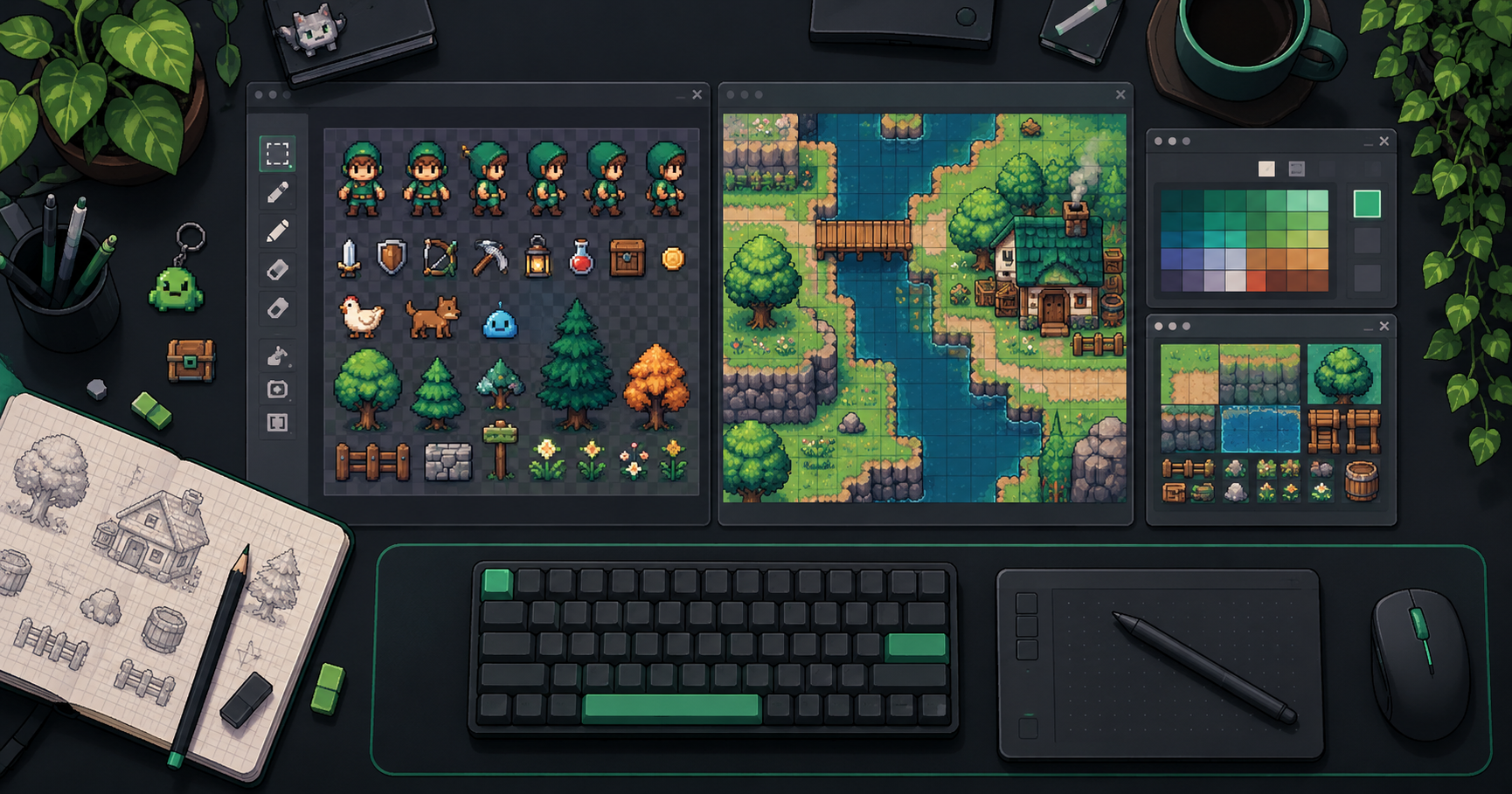
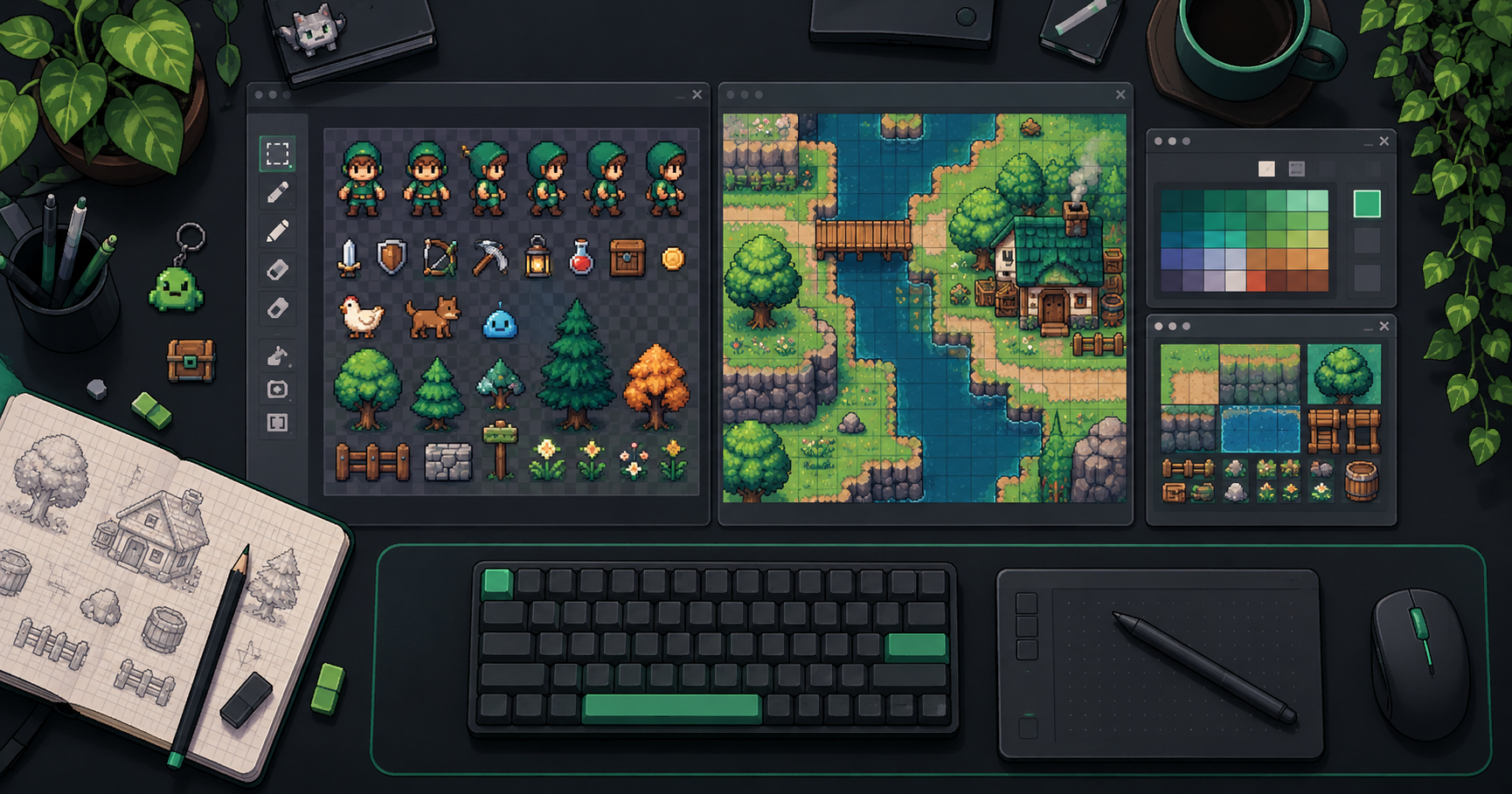
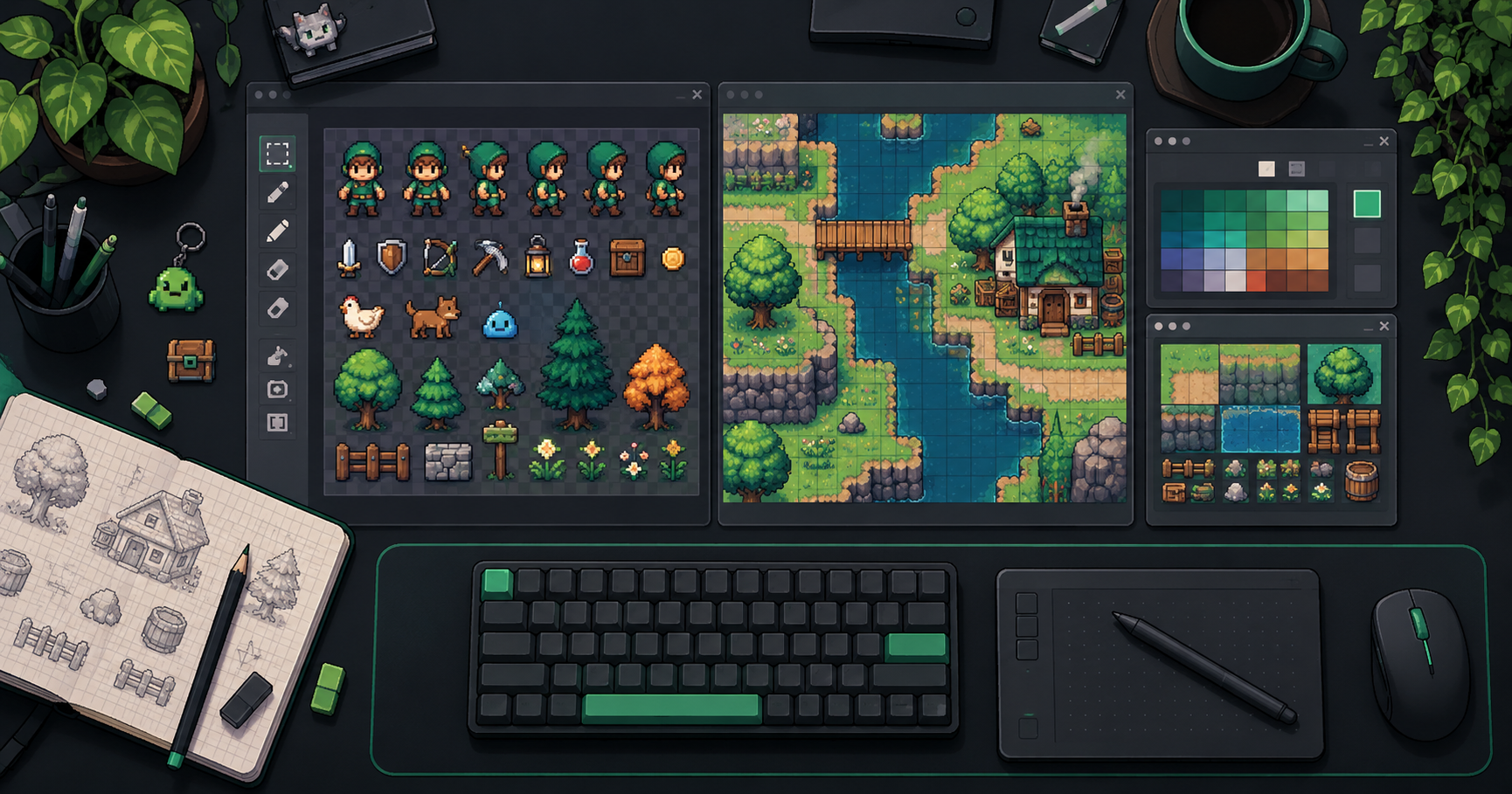
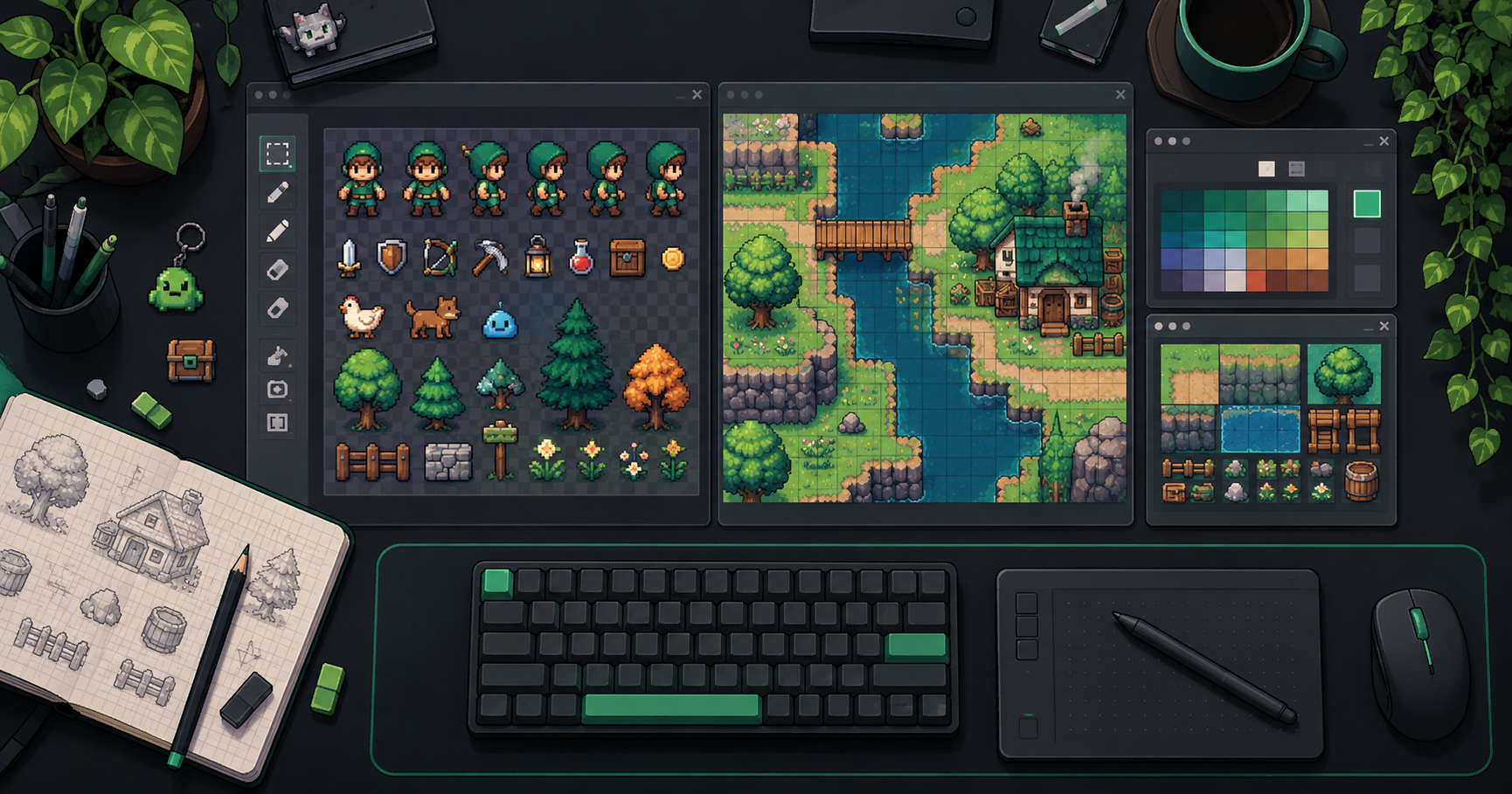
About the author: The FrameSprite Workflow Team documents workflows for its own game-asset tools. The cover is an AI-generated concept illustration, not a product screenshot. About the team · Contact and corrections.
For image-level acceptance after export, see transparent PNG edge QA.
About the author
- We operate FrameSprite, a browser tool for indie game asset workflows. We publish practical sprite-sheet and animation export guides with downloadable examples, verification methods, and explicit limitations. Editorial ownership and corrections: https://www.framesprite.com/about#workflow-team. Contact: https://www.framesprite.com/contact.
Comments
Join the discussionNo comments yet. Be the first to comment.