Naming Animation Frames So a Game Engine Can Import Them Reliably
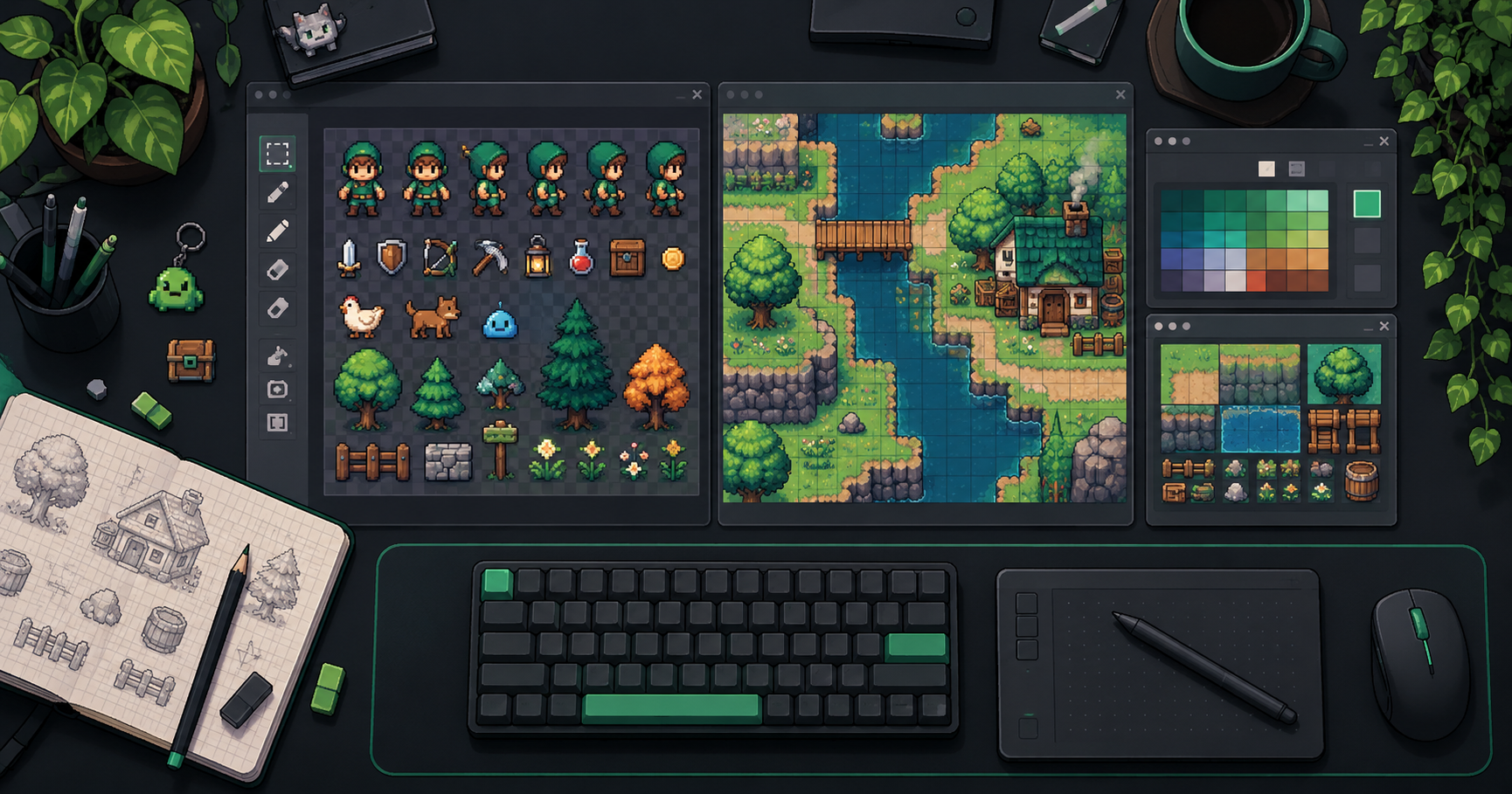
An animation can contain every required image and still play in the wrong order. A common cause is an implicit ordering assumption: a file browser, archive utility, or import script may sort frame_10.png before frame_2.png when comparing names as text. Make the sequence explicit and test the importer you actually use.
Disclosure: This article was prepared with AI assistance by the FrameSprite team, which operates a game-asset creation product. The examples illustrate a proposed handoff convention; they are not a claim about any particular exporter's default filenames.
Key takeaways
- Use a documented index convention and fixed-width numbers.
- Preserve namespaces to avoid overwriting similarly named files.
- Inspect the actual imported order and timing.
Use names that preserve the intended order
For a twelve-image attack, a consistent set might be:
guard_attack_000.png
guard_attack_001.png
...
guard_attack_011.png
Here the first index is zero. A team can instead choose one-based numbering; what matters is documenting the choice and keeping it consistent. Fixed-width numbers make ordinary character-by-character sorting produce the expected order within that range. If a sequence can reach 1,000 images, use enough digits from the start.
Names alone do not make a correct animation. With zero-based indices, 000 is the first frame, 004 is the fifth, 005 is the sixth, and 011 is the twelfth. A filename does not prove that 005 depicts the intended sixth moment, or that an engine imported every image. Check both the content and the import result.
Give each action its own namespace
Suppose two characters both contain idle_000.png. If a collaborator extracts both into the same folder, an operating system or archive tool may ask to replace a file, rename it, or behave differently. Keep a character identifier in the filename or preserve the directory structure:
guard/idle/guard_idle_000.png
merchant/idle/merchant_idle_000.png
Agree whether folder names are part of the contract. ZIP files can even contain members with duplicate names; Python's ZIP documentation specifically notes that duplicate archive names exist. Inspect the archive before flattening it, and never accept an overwrite prompt without checking the destination.
Provide a small manifest
A useful handoff can be a plain-text note alongside the frames:
character: guard
action: attack
index: zero-based, inclusive 000–011
frame count: 12
ordering: ascending numeric index
playback: once
approved source: guard_attack_master_v03
This example describes a naming convention, not a standardized metadata schema. Add the actual canvas size, intended frame timing, and revision as needed. If timings differ per image, list them separately; a file name does not encode duration. Make sure the declared total agrees with the files on disk.
Import and verify rather than trust the folder view
- Count the files and check for missing or repeated indices.
- Inspect the first, middle and final frames, then the entire sequence if movement is complex.
- Import into the destination engine and inspect the resulting frame order. A natural-number sort in one tool does not prove another tool uses the same rule.
- Verify whether the action should loop and apply the intended timing.
- Reopen the imported project and play the animation in the actual scene.
For example, Godot's 2D sprite animation guide describes using separate image files or a sprite sheet with AnimatedSprite2D. Follow the instructions for the engine version you use and check the resulting resource rather than assuming its ordering policy.
If a frame is missing, do not silently renumber the remaining images and declare the sequence complete. Ask whether it was omitted, intentionally duplicated or removed. Keep the received archive intact and create a revised package under a new version name.
Diagnose an order mismatch
- A frame appears too early: compare the actual imported order with the manifest. If names such as
frame_2andframe_10are sorted as text, create a new consistently zero-padded package and import it again. Do not assume the importer uses the same sort as your file browser. - The count is correct but a pose is missing: inspect the images themselves for a duplicated or mislabeled pose. Twelve filenames do not guarantee twelve distinct moments; an intentional hold may also reuse an image, so compare the source and timing notes before replacing anything.
- A frame disappears after extraction: inspect the original archive for duplicate member names and compare the full paths with the extracted files. Restore from the intact archive into separate folders if flattening caused a collision; do not overwrite a recipient's existing files.
- The order is right but motion feels wrong: check frame durations, loop settings and playback speed separately. A filename sequence determines neither the duration of an individual frame nor the transition back to idle.
Record the failing revision, expected and observed order, the suspected cause and the result of the next import. These are suggested checks; they do not report a test performed for this article.
Clear names are inexpensive insurance, but they are only one part of delivery. The actual visual sequence, playback timing and in-game behavior still need a human review.
Related reading
About the author: The FrameSprite Workflow Team documents workflows for its own game-asset tools. This article was prepared with AI writing assistance. The cover is an AI-generated concept illustration, not a product screenshot. About the team · Contact and corrections.
Our 12-frame sprite export QA example checks image and export integrity. This article instead addresses sequence naming, archive collisions and downstream import order; both checks are needed.
For the next handoff step, the published Godot SpriteFrames import acceptance guide covers the engine-side sequence, timing and loop review.
About the author
- We operate FrameSprite, a browser tool for indie game asset workflows. We publish practical sprite-sheet and animation export guides with downloadable examples, verification methods, and explicit limitations. Editorial ownership and corrections: https://www.framesprite.com/about#workflow-team. Contact: https://www.framesprite.com/contact.
Comments
Join the discussionNo comments yet. Be the first to comment.