Tile Atlas Margin, Spacing, and Extrusion: A Practical Import Check
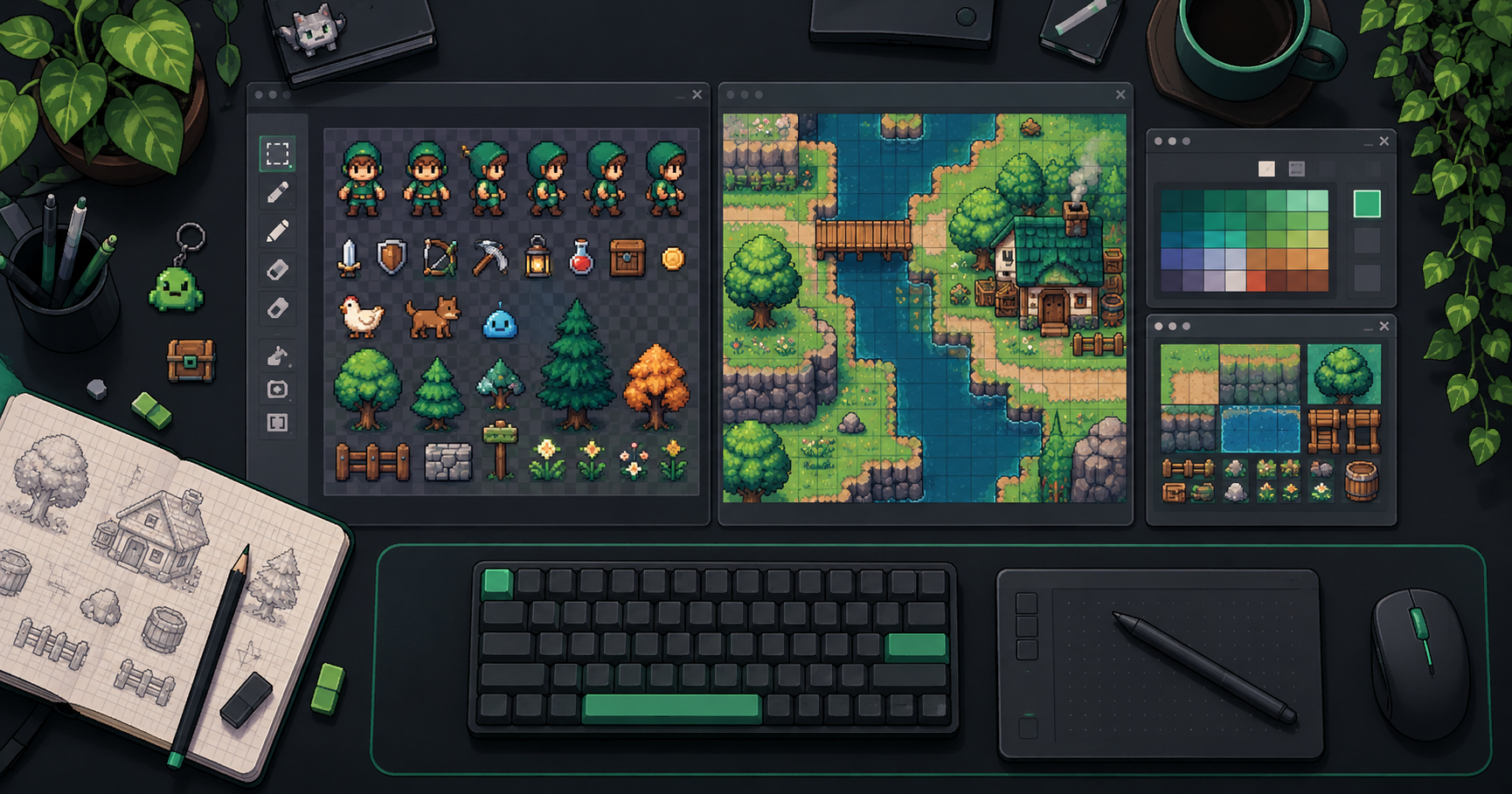
A tileset can look correct as an image and still produce cut-off tiles or colored seams in a game. The first problem is often an incorrect grid. The second can be texture sampling. Treat them as separate checks: margin and spacing describe where cells are; extrusion duplicates edge pixels to reduce sampling artifacts.
Disclosure: This article was prepared with AI assistance by the FrameSprite team, which operates the linked product. The examples are illustrative, not results from a benchmark.
Key takeaways
- Measure the source grid before changing filtering.
- Extrusion duplicates border pixels; spacing identifies the distance between cells.
- Test the atlas in the actual engine and camera.
Start with the dimensions you actually have
For a regular tileset with equal outer margins on each side, image width is:
width = 2 × margin + columns × tile width + (columns − 1) × spacing
For example, four 32-pixel tiles, a two-pixel margin and four pixels between tiles require 2×2 + 4×32 + 3×4 = 144 pixels. If the first tile starts at x=2, the following tiles start at x=38, x=74 and x=110. The final tile ends immediately before x=142, leaving two pixels at the right edge. Coordinates here are zero-based.
Use the equivalent formula for height. It assumes a complete rectangular grid, uniform spacing, and symmetrical margins. A partially filled final row or irregular packing needs separate metadata; do not force it into this formula.
Tiled's tileset documentation describes fixed-size image tilesets with margin and spacing. Its format reference defines margin as the buffer between the image edge and the first tile and spacing as the gap between adjacent tiles. An image collection is different: individual tiles refer to separate files, so one atlas grid may not apply.
Why a gap and an extrusion are different
Spacing is a measured region between cells; it may contain transparent pixels, duplicated edge colors, or other pixels. Extrusion copies a tile's border into a surrounding region. Tiled describes extruded border pixels as a way to avoid color bleeding. It can help prevent a texture filter from sampling unrelated neighbors, but it does not repair a wrong tile size or incorrect grid offset.
Consider a horizontal slice of two adjacent cells in the example above. Each cell is 32 pixels wide; this picture is schematic and not drawn to scale:
image left                                                image right
|-- margin: 2 --|-- cell A: 32 --|-- gap: 4 --|-- cell B: 32 --| ...
                                  A  free  B
                                  e  .  .  e
                                  <- spacing ->
Here e beside cell A duplicates A's right edge; e beside cell B duplicates B's left edge. The two . pixels are unused gap in this hypothetical packing. All four pixels belong to the spacing measurement, but only the two e pixels are extruded. Outer margins can also contain border extrusion or other pixels; measure their total width independently. Confirm the actual export's layout before applying this convention. The example labels the visible 32-pixel cells separately from their extruded border pixels.
Do not assume a universal number of padding pixels. Filtering, scaling, mipmaps, packing and engine settings affect the result. A correct choice for one pipeline is not a guarantee for another.
For example, Godot 4.2 documents a Use Texture Padding option that adds one transparent pixel around tiles to help prevent bleeding; this is a specific engine behavior, not proof that every atlas needs the same authored padding. See the Godot TileSet guide.
A short test that separates the causes
- Inspect the raw atlas at native size. Measure image dimensions, tile dimensions, first tile offset and gap.
- Enter those values in the importer. Check the first tile, an interior tile and the last tile in each row. If edges are cropped or the grid drifts, correct the geometry before testing filtering.
- Place neighboring tiles with very different colors in a test scene. View them under the actual game's scaling, camera motion and filtering settings.
- If the grid is correct but seams appear, compare the engine's filtering and padding options with an appropriately extruded atlas. Change one variable at a time.
- Reopen the project and verify the selected tile regions and scene. Godot warns that changing a TileSet atlas's margins, separation or region size can cause tiles to be lost; save a copy before changing an existing setup.
Blank lines can also result from camera or tile placement, not just atlas bleeding. Capture the settings and a reproducible test scene before declaring a cause.
Example: the grid drifts at each column
Suppose the 144-pixel-wide example is imported with the correct 32-pixel tile width and two-pixel margin, but spacing is mistakenly set to two instead of four. The importer would place the first two starts at x=2 and x=36, while the intended second start is x=38. By the fourth column the importer would start at x=104 instead of x=110, a six-pixel drift. This is an illustrative calculation, not a test result.
First compare those positions with the raw atlas and restore spacing to four. Check that the image actually follows the assumed geometry. Only after the cells line up should you investigate any remaining seams using the real engine's sampling and camera settings. Adjusting filtering while the grid itself is wrong cannot establish whether filtering caused the original defect.
Keep a compact handoff note
Record the image filename, pixel dimensions, tile width and height, margin, spacing, and whether edges were extruded. Also note the engine version and filtering settings used for the test. Do not label a transparent gap as extrusion merely because the atlas has spacing.
The FrameSprite team builds tools for game assets, but an exported image alone cannot tell a downstream editor every intended setting. Verify the actual file and the target engine instead of assuming that an image's appearance proves its geometry.
Related reading
About the author: The FrameSprite Workflow Team documents workflows for its own game-asset tools. The cover is an AI-generated concept illustration, not a product screenshot. About the team · Contact and corrections.
For a complementary sprite import example, see Unity sprite slicing and pivot QA.
For a separate check of image transparency, see our published transparent PNG edge review; edge appearance and atlas grid geometry require different tests.
About the author
- We operate FrameSprite, a browser tool for indie game asset workflows. We publish practical sprite-sheet and animation export guides with downloadable examples, verification methods, and explicit limitations. Editorial ownership and corrections: https://www.framesprite.com/about#workflow-team. Contact: https://www.framesprite.com/contact.
Comments
Join the discussionNo comments yet. Be the first to comment.