A Tilemap Handoff: Keep the Picture, Grid, and Game Rules Separate
A map image can show a convincing dungeon and still tell a game engine nothing about where a player can walk. Before delivery, distinguish the visual art, the tile placement grid, and the rules that interpret collision, objects, and spawn positions. Test each layer at the receiving end instead of treating an attractive preview as proof that the level works.
We are the FrameSprite team and operate a browser-based Tilemap Builder. This article describes a general handoff and uses an illustrative map rather than claiming a new engine test or production result. Our tool produces starter data; the receiving project must still implement and verify gameplay.
This article was drafted with AI assistance. Learn about the team on the FrameSprite About page; send corrections through the contact page.
Key points
- Hand off artwork, tile placement and gameplay metadata as distinct artifacts.
- Record external tileset dependencies and coordinate conventions.
- Verify collision and object interpretation in the receiving project.
For the separate task of checking grid-based sprite imports, see our published Unity sprite slicing review.
Decide what each file means
Three artifacts are often called a “map,” but they serve different purposes:
| Artifact | What it contains | What it does not establish |
|---|---|---|
| Baked map art | A single image showing the scene | Walkable cells, editable objects, or collision behavior |
| Tileset | Source graphics arranged for reuse | A finished level layout |
| Tilemap | Data placing tiles in a grid and possibly other layers or metadata | That the engine interprets those fields as intended |
A wall painted on a single image might visually suggest an obstacle. It has no collision by itself. Conversely, a tilemap can include collision metadata, but that metadata only matters if the receiving code or importer consumes it correctly.
The Tiled layers documentation describes tile, object, image, and group layers as distinct structures. Choose the representation according to what needs to change: a repeating ground pattern fits a tile layer; a named spawn or an irregular trigger may need an object or another explicit contract.
Make a small contract before exporting
Suppose a prototype uses a top-down orthogonal grid with 32-pixel cells. The handoff should say whether that number describes the source artwork, the grid in Tiled, the display scale, or all three. A 32-pixel source tile displayed at twice its source size does not magically become a 64-pixel source tile.
Record at least:
- Camera and map orientation: for example, orthogonal top-down, rather than an ambiguous “top view.”
- Grid size, map width and height, and any outer margin or spacing in the atlas.
- Tileset image path and tile ordering; include external files if the map references them.
- Layer names and meaning, including whether visibility affects gameplay or only the editor.
- Coordinates and units for spawn points, collision objects, and level exits.
- The intended importer and version, plus a known test scene or manual verification steps.
These are handoff requirements, not claims that every exporter writes every field. Open the produced file and inspect what actually exists.
Follow the dependencies in a small package
This hypothetical package uses a Tiled JSON map and an external JSON tileset. It is a teaching example, not an observed export from our tool. The separate notes file is a team convention, not a standard Tiled requirement.
handoff/
  maps/room.tmj
  tilesets/terrain.tsj
  images/terrain.png
  handoff-notes.json
The dependency chain is room.tmj → terrain.tsj → terrain.png. In this example, the map's tileset source is ../tilesets/terrain.tsj; the tileset's image is ../images/terrain.png. The Tiled JSON reference documents the external tileset source and tileset image fields. Inspect those values in the actual files rather than relying on the preview.
| File | What the recipient checks |
|---|---|
maps/room.tmj |
The tileset reference resolves; expected visual and object layers exist |
tilesets/terrain.tsj |
The atlas path resolves; tile dimensions and IDs match the map |
images/terrain.png |
The expected atlas is included, not an older image with the same filename |
handoff-notes.json |
Units, origin, intended importer/version, and agreed movement test are recorded |
Copy the whole handoff directory to a new location and open the copied map. A missing tileset prevents the chain from reaching the atlas; a missing PNG leaves the tileset without its source art. Restore the missing dependency or correct the reference, then repeat the relocated-copy check. Renaming an image without updating its reference is not a complete fix.
Separate visual and collision checks
Start by turning visual layers on and off in the editor. Is the ground continuous? Are wall corners assigned to the expected cells? Check any decorative overlay separately so it does not conceal a wrong base tile.
Then inspect the collision representation without the art, if your editor or engine allows it. If a layer named collision contains tile IDs, document how the importer maps those IDs to blocked or walkable space. If the data instead uses object shapes, verify their units and alignment. A label called collision is only a name until the game code interprets it.
Tiled supports custom properties on its basic data structures. Properties can carry useful information, but the receiving application decides how to use it. A property named blocked with a boolean value is not automatically a physics body in an unrelated engine.
Finally, place a test actor at a declared spawn and walk the perimeter, each doorway, and any one-tile passage. This is a suggested test, not a claim that the particular map has been tested. If an entrance is visually open but the player cannot pass, check the grid, collision layer, scale, and origin before editing the artwork.
Check dependencies and coordinate assumptions
The Tiled JSON map reference distinguishes tilelayer, objectgroup, imagelayer, and group entries. Tile layers refer to tiles through global tile IDs. An importer must interpret these IDs and associated tilesets correctly; a JSON file opening in a text editor is not an import test.
Copy the map and all referenced image or tileset files into a clean directory, then open the copy using the intended workflow. This catches a dependency that accidentally points to a creator's local path. If a link breaks, fix the package and repeat the test rather than telling the recipient to guess where the atlas lives.
For object positions, explicitly note whether a coordinate is measured in pixels or cells and which point it represents. A spawn placed at a cell corner may need an offset to put a character's feet inside the tile. Different engine coordinate conventions and scaling can change the result, so validate a known marker in the receiving scene.
Work one coordinate through the handoff
Assume a finite orthogonal map with 32 × 32 pixel cells, zero-based column and row indices, and the map origin at the top-left corner of cell (0, 0). For this example, positive x points right and positive y points down. There are no layer offsets or transforms. These are the example's declared conventions, not a conversion rule for every map orientation or engine.
Cell (3, 2) starts at pixel (96, 64). Its center is:
center x = (3 + 0.5) × 32 = 112 pixels
center y = (2 + 0.5) × 32 = 80 pixels
If the contract places the character's foot anchor at the cell center, a point object marking that spawn should be at pixel (112, 80) in this map space. Tiled's object documentation describes point objects as locations, and its JSON reference gives object x/y coordinates in pixels. Do not multiply an already-pixel-valued point by 32 again. A tile object's alignment is a separate setting and should not be treated as a point object's anchor.
In the receiving scene, draw a marker at the imported spawn and compare it with the intended cell center. A (96, 64) marker would expose a corner-versus-center mismatch in this example. If the destination uses different axes, origin or world units, document and check that conversion first. Displaying the map at twice its source size also needs one consistent transform for art, collision and the marker; it does not change the source coordinate recorded above.
Diagnose the first failed check
| Observation | Check first | Recovery and repeat check |
|---|---|---|
| The map opens but tiles are missing | Map-to-tileset and tileset-to-image paths | Restore dependencies; reopen the relocated copy |
| Tiles exist but the wrong graphics appear | Atlas version, tileset mapping and global tile IDs | Restore the matching atlas and mapping; inspect known cells |
| The scene looks right but an open doorway blocks movement | Collision data and the receiving importer's interpretation | Inspect collision alone; rerun the agreed doorway test |
| The spawn is offset by half a cell | Pixel/cell units, origin and anchor point | Apply the declared conversion; compare the marker with the known center |
For image-level crop and edge problems, use the separate transparent PNG edge review. Changing collision metadata cannot fix damaged source pixels, just as repainting a doorway cannot fix an importer that marks it solid.
Use automation as a starting point
Our Tilemap Builder can produce starter layouts from a compatible source tile or terrain atlas. A generated layout is not a completed level: inspect the actual exported package, then implement movement, collisions, navigation, and game-specific interactions in the destination project. A fixed seed can make a particular generation reproducible only when the relevant inputs and generator behavior remain the same.
The handoff is complete when another person can identify the source assets, recreate the expected layout, and run the agreed movement test. Keep a copy of the input atlas and the export settings alongside the map so a visual fix does not silently invalidate the data.
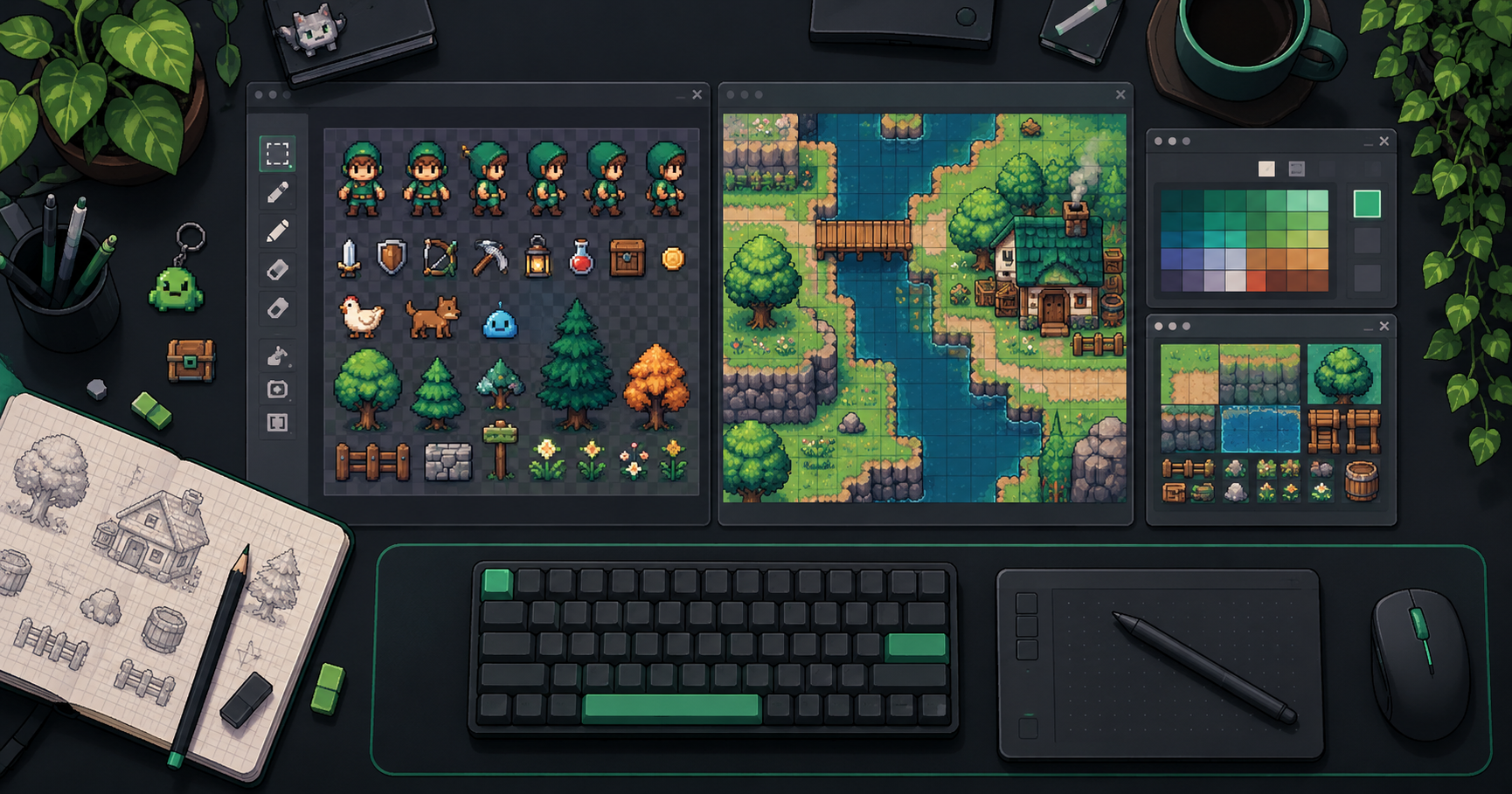
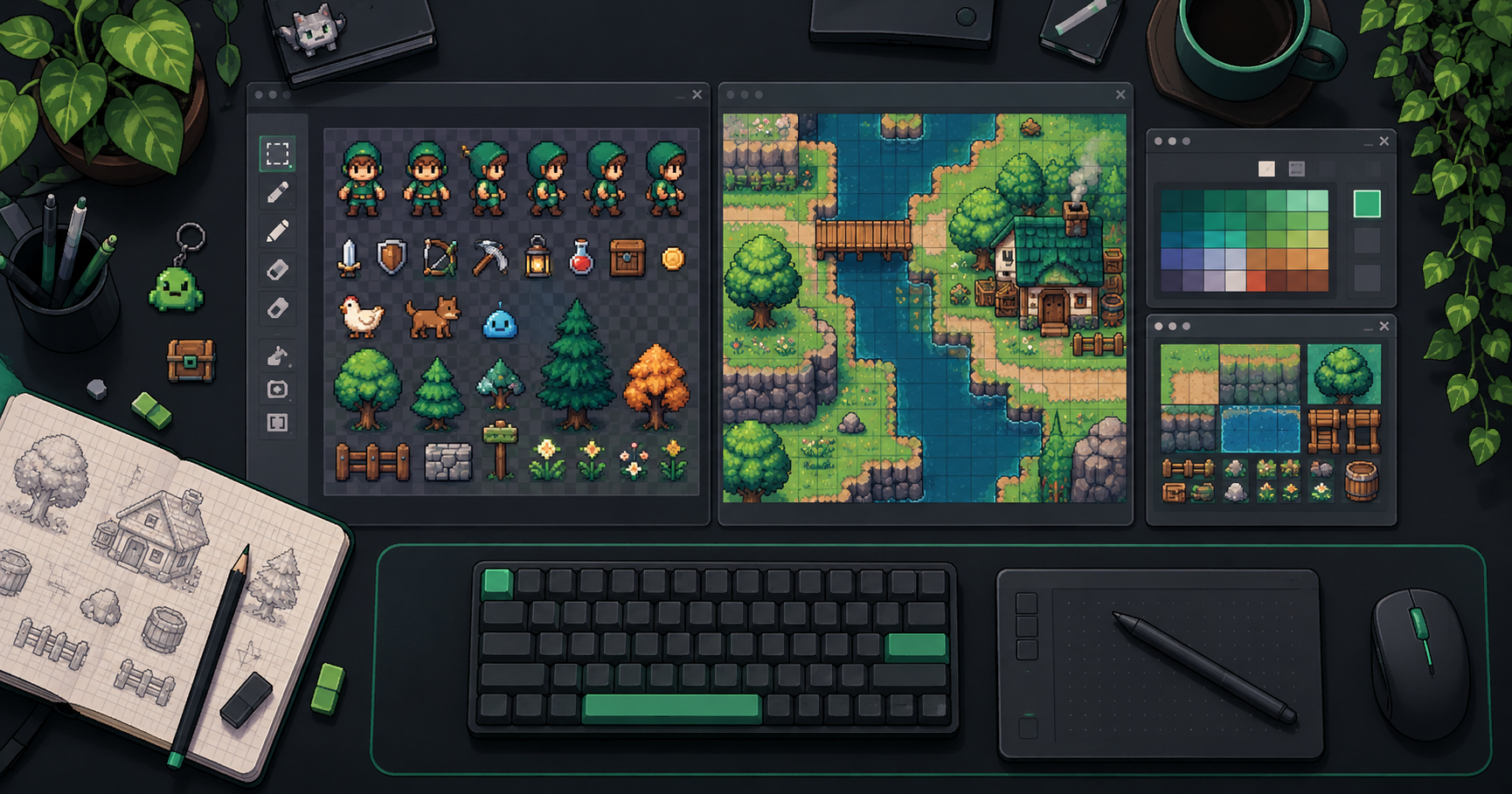
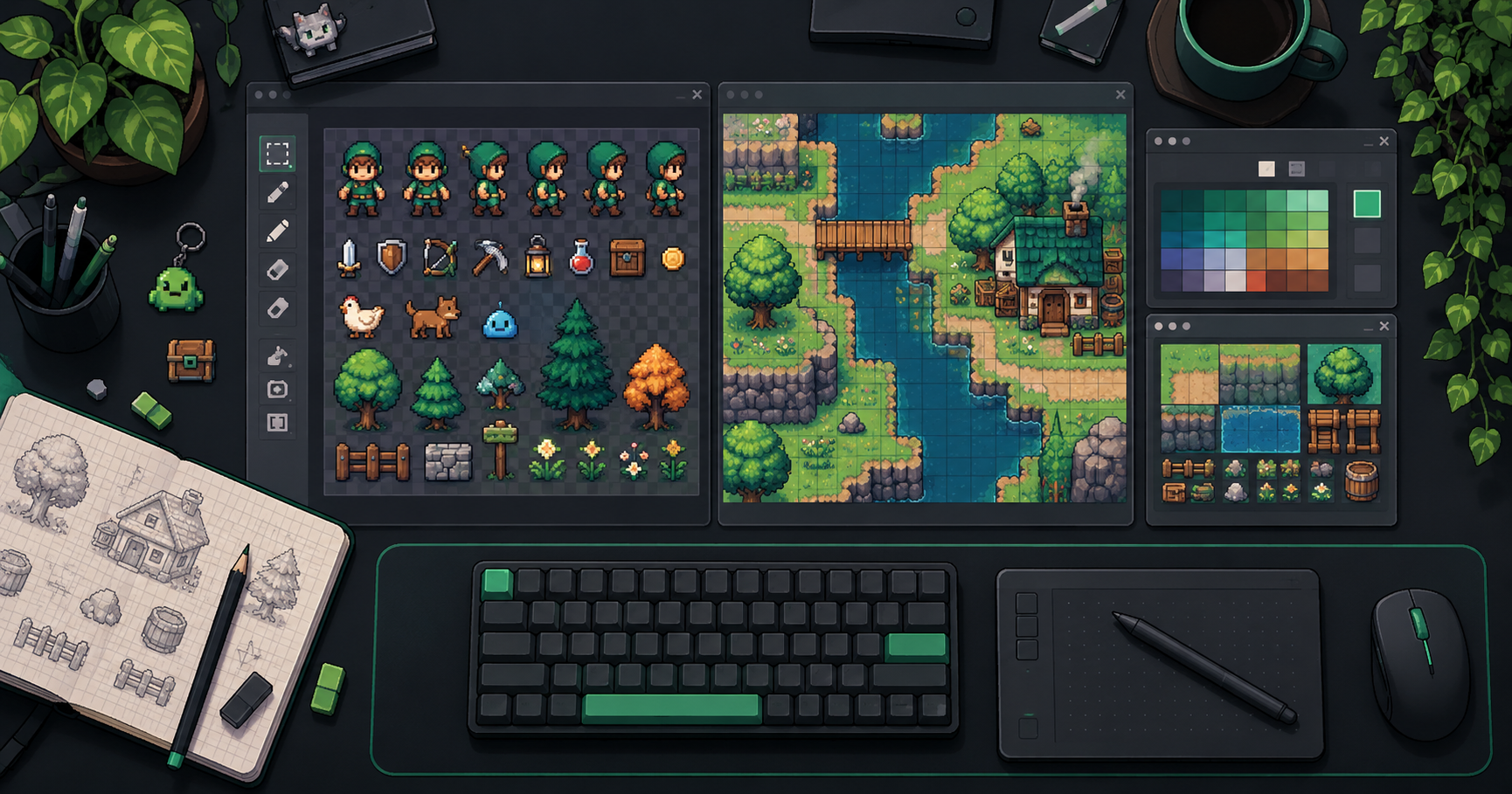
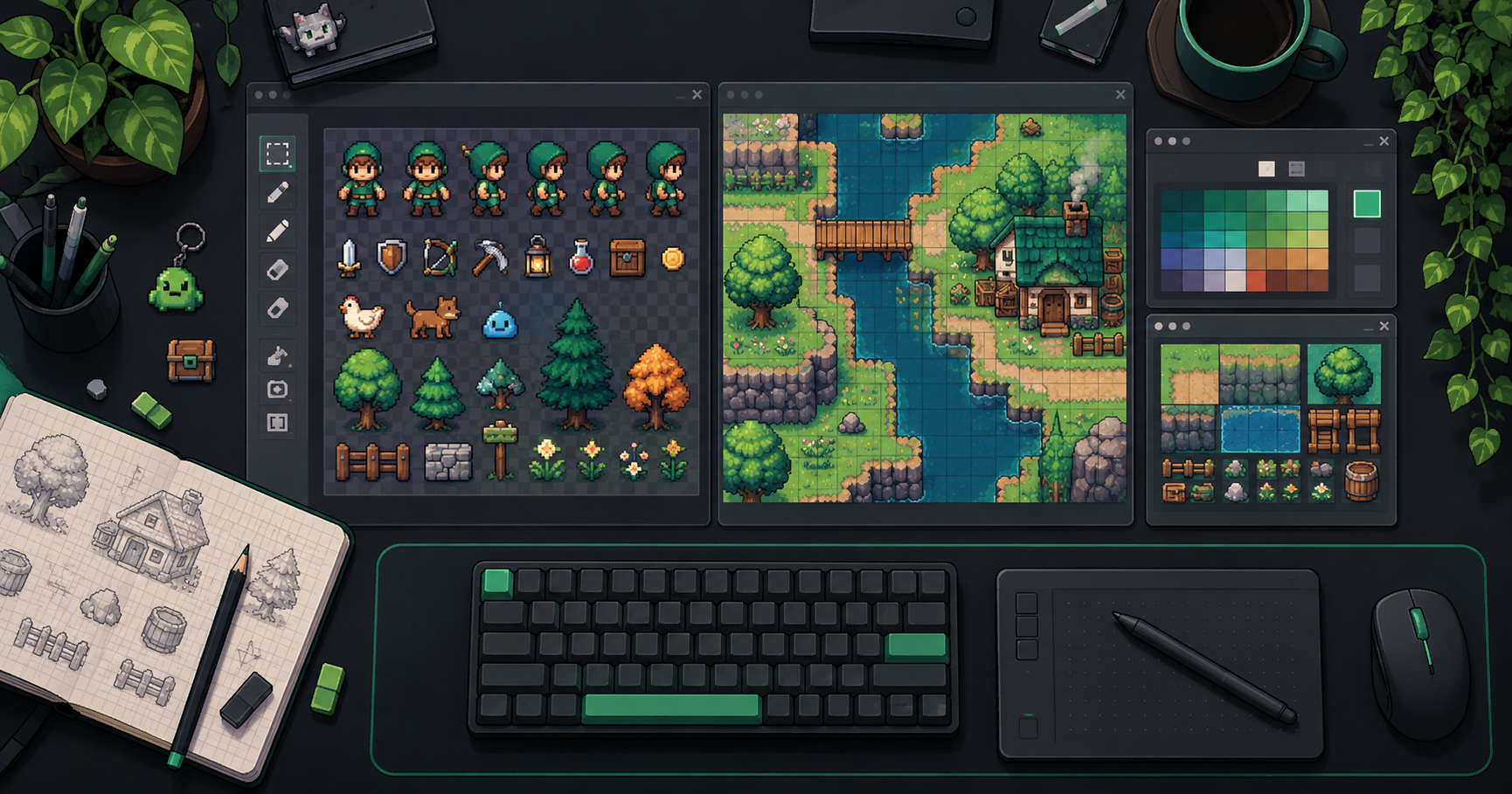
Cover image: AI-generated conceptual illustration, not a screenshot of the product.
About the author
- We operate FrameSprite, a browser tool for indie game asset workflows. We publish practical sprite-sheet and animation export guides with downloadable examples, verification methods, and explicit limitations. Editorial ownership and corrections: https://www.framesprite.com/about#workflow-team. Contact: https://www.framesprite.com/contact.
Comments
Join the discussionNo comments yet. Be the first to comment.