Choose the Camera Before You Ask for a 2D Game Map
Specify the player's camera and the kind of deliverable before asking an artist or an image generator for a game map. “Top-down forest” can mean a strict overhead grid, a three-quarter scene with visible wall faces, or a picture that only suggests a level. Those interpretations lead to different choices for navigation, occlusion, and tile reuse.
We are the FrameSprite team and build game-asset tools. This is a planning and review guide; no new generation, playtest, or engine import is claimed. The examples describe possible briefs, not a promise that a particular prompt produces a usable level.
This article was drafted with AI assistance. Learn about the team on the FrameSprite About page; send corrections through the contact page.
Key points
- Specify the player's camera before writing the art brief.
- Distinguish a concept image from reusable tiles and level data.
- Review routes, occlusion and collision separately in the target game.
For a related review of camera details in generated descriptions, see our published prompt review guide. For a separate grid-import check, our published Unity slicing guide covers sprite rectangles, offsets and pivots. Our fixed-canvas alignment guide explains how a stable reference helps diagnose apparent movement between character frames; it does not verify a map's camera or collision.
Write the gameplay view in plain language
For a side-view platform stage, describe the ground and platforms as surfaces the player approaches from the side. State where jumps begin and end, how much headroom the character needs, and which parts of the art are foreground decoration. A beautiful ledge is not useful if the silhouette makes the walkable top impossible to distinguish.
For a strict overhead layout, say that the camera looks straight down and identify the grid orientation. A wall's top surface and footprint need to fit that view. If the brief also requests a frontal building facade, the result can mix incompatible camera cues. That may be acceptable for a concept illustration, but it makes a grid-based gameplay handoff harder to interpret.
A three-quarter view intentionally shows both some horizontal surfaces and some vertical faces. It can make a room easier to read, but it also introduces a depth and occlusion question: when the character walks behind a wall, which layer draws in front? The answer belongs in the engine or scene setup, not solely in the image prompt.
Choose the output before adding style details
An art direction image is useful for palette, atmosphere, and composition. A tileset is a reusable collection of tile graphics. A tilemap is placement data using those tiles. One output is not a substitute for the others.
For example, an image of a temple room can communicate lighting and landmark placement while failing a tilemap contract: individual floor pieces might not repeat, perspective lines might cross grid cells, and decorative objects might be baked into the floor. If the team needs an editable level, request reusable tiles or a separate atlas and document how those pieces connect.
Tiled's layer documentation distinguishes tile, image, and object layers. A fixed background image can coexist with tile and object data; the team should still specify which layer controls navigation, foreground occlusion, and collision in the receiving game.
Describe the route before the scenery
Start the brief with an entrance, exit, central route, blocked areas, and a landmark. Then add the biome, palette, lighting, and props. A workable example might be:
View: strict overhead, orthogonal grid
Use: visual concept for a small temple room
Route: entrance south, exit north, central path remains open
Obstacles: walls around the perimeter, two columns outside the path
Art: weathered stone, cool shadows, one warm central landmark
Deliverables: concept image plus a separately designed reusable tileset
The final line is a request, not evidence the resulting image has become a tileset. A team must still author or verify the separate tiles and map data. If the design uses a three-quarter camera instead, revise the brief to state wall face height and the intended treatment of characters passing behind it.
Review the layout with a character footprint
Put a simple rectangle representing the character's collision footprint over the route. Test whether it fits through each passage, whether an apparent entrance is reachable, and whether props obscure turns. This need not be a polished character. The goal is to reveal spatial contradictions early.
Then compare art and data separately:
- Art: Is the route visually readable without relying on a collision overlay?
- Grid: Do tile boundaries align with the intended camera and tile dimensions?
- Collision: Do blocked cells or shapes match the playable route?
- Objects: Are spawns, exits, and interactive items placed in known coordinates?
- Occlusion: Can the player still see the character where foreground layers overlap?
If the concept has a dramatic pillar drawn in the center of the route but the data lets the player pass through it, decide whether it is scenery, a collision obstacle, or a visual error. Do not quietly assume the image already determines the correct game rule.
Worked diagnosis: a wall beside a narrow path
Imagine a strict overhead corridor two grid cells wide, with the character's footprint intended to fit within one cell. The concept places a wall edge along the western side, but a decorative stone protrudes into the visible corridor. This is a hypothetical review case, not a reported playtest.
- Mark the intended walkable cells and the character footprint on a copy of the art. If the decorative stone appears to occupy a walkable cell, decide whether it should block movement or be redrawn outside the route.
- Compare that decision with the actual collision shape or blocked-cell data in the receiving project. If the data blocks more space than the artwork suggests, adjust the data or revise the artwork so the route communicates the restriction.
- If the same scene instead uses a three-quarter view, distinguish the wall's ground footprint from its raised visible face. Check whether that face is drawn in front of the character where the character passes behind it; do not treat all visible wall pixels as ground collision automatically.
- Inspect the corridor using the intended camera and at gameplay scale. If the route remains ambiguous, record the art, collision or draw-order revision needed and repeat the check in the target project.
Keep the generator and game responsibilities clear
FrameSprite's map workflow guide distinguishes map art from reusable terrain and tilemap data; the Tilemap Builder can create a starter layout from compatible tile inputs. The map art and a separate tile example are not necessarily the same generated asset. Review what was actually exported and do not claim a playable level merely because a preview looks complete.
For handoff, include the camera description, source image or tileset, grid size, map data, layer meanings, coordinate convention, and a list of checks not yet performed. Test the resulting scene in the target engine and gameplay camera, including movement, collision, and draw order. The right visual angle is the one that supports the game's interaction, not just the one that looks appealing in isolation.
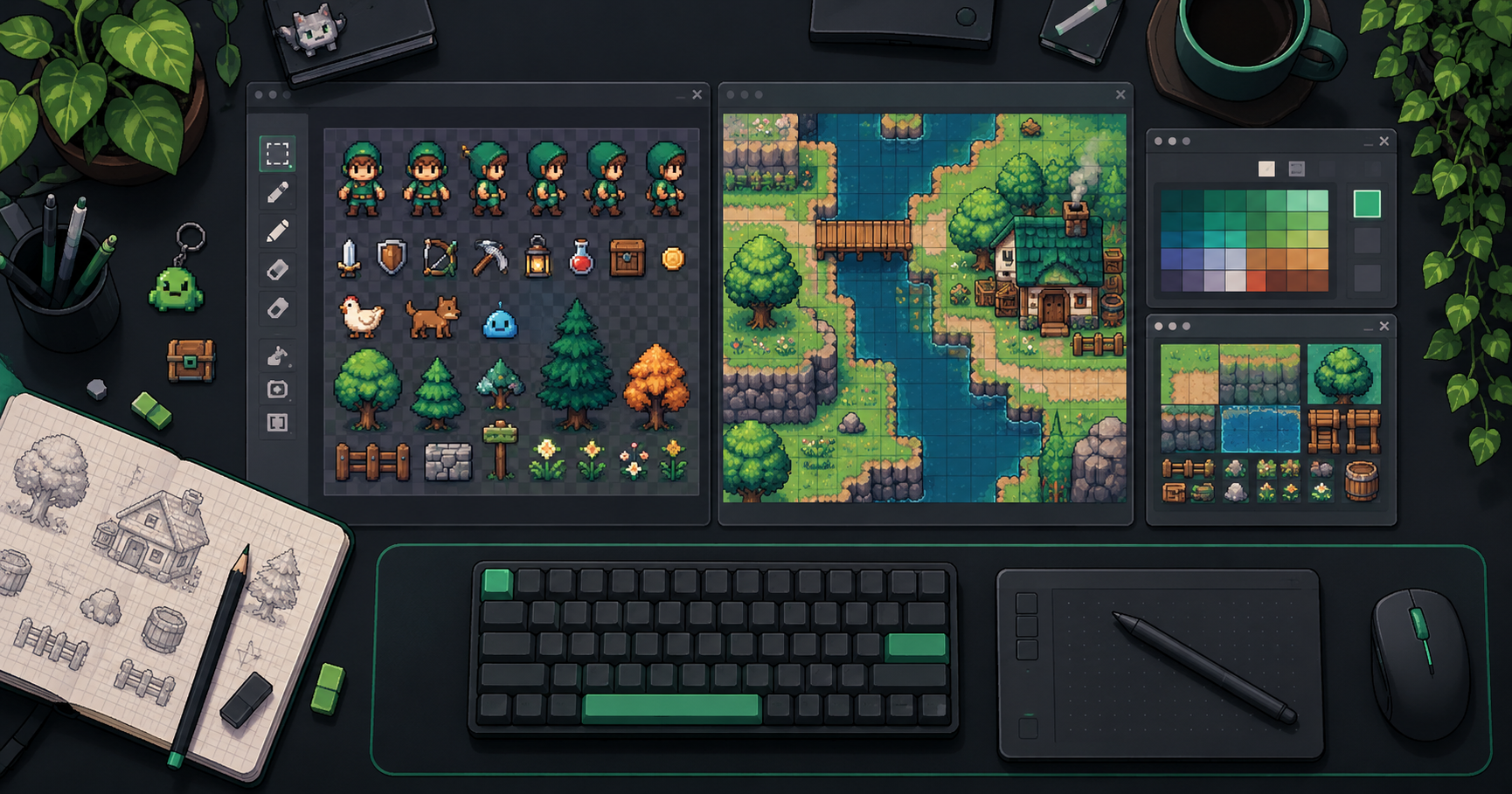
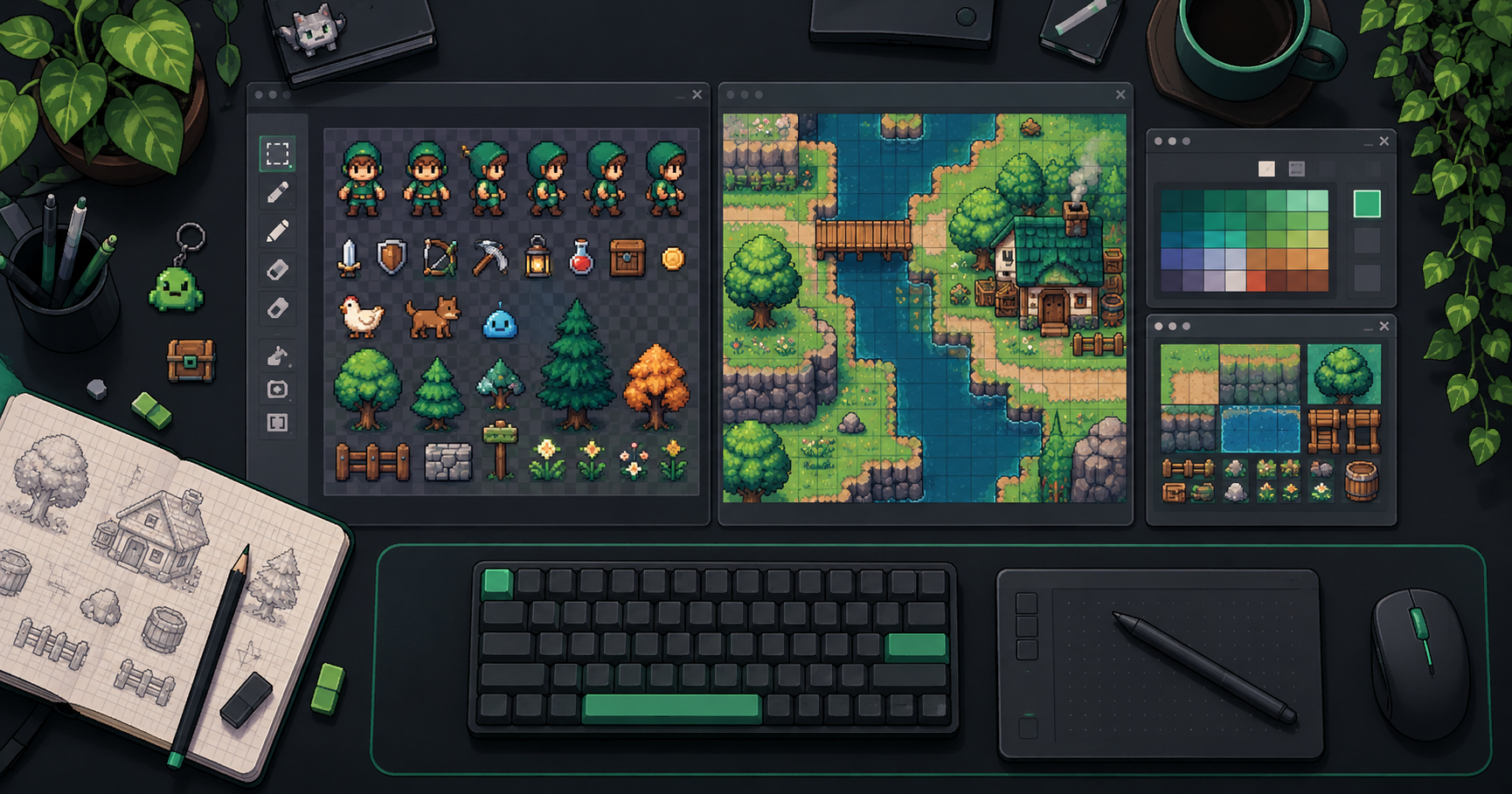
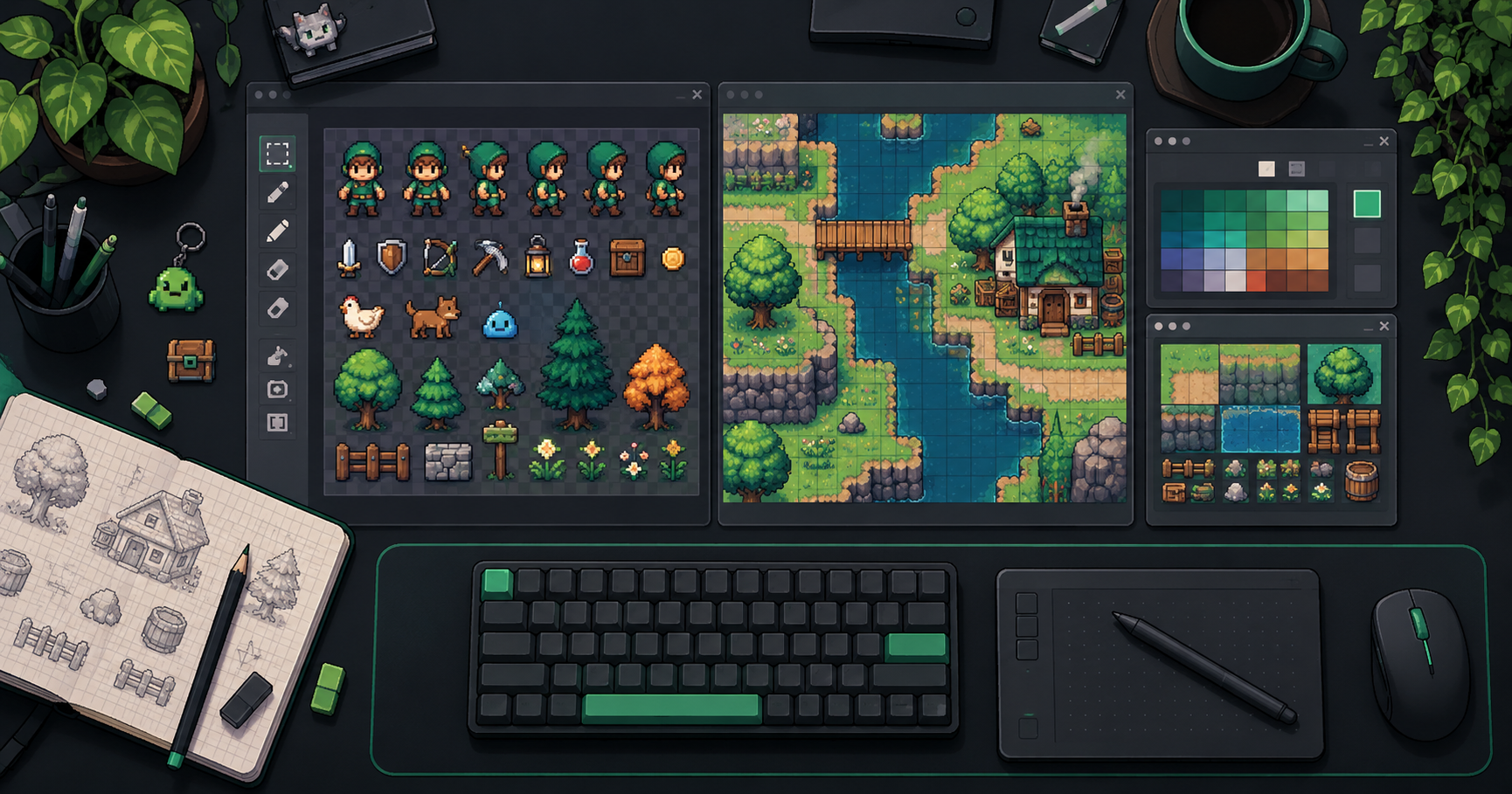
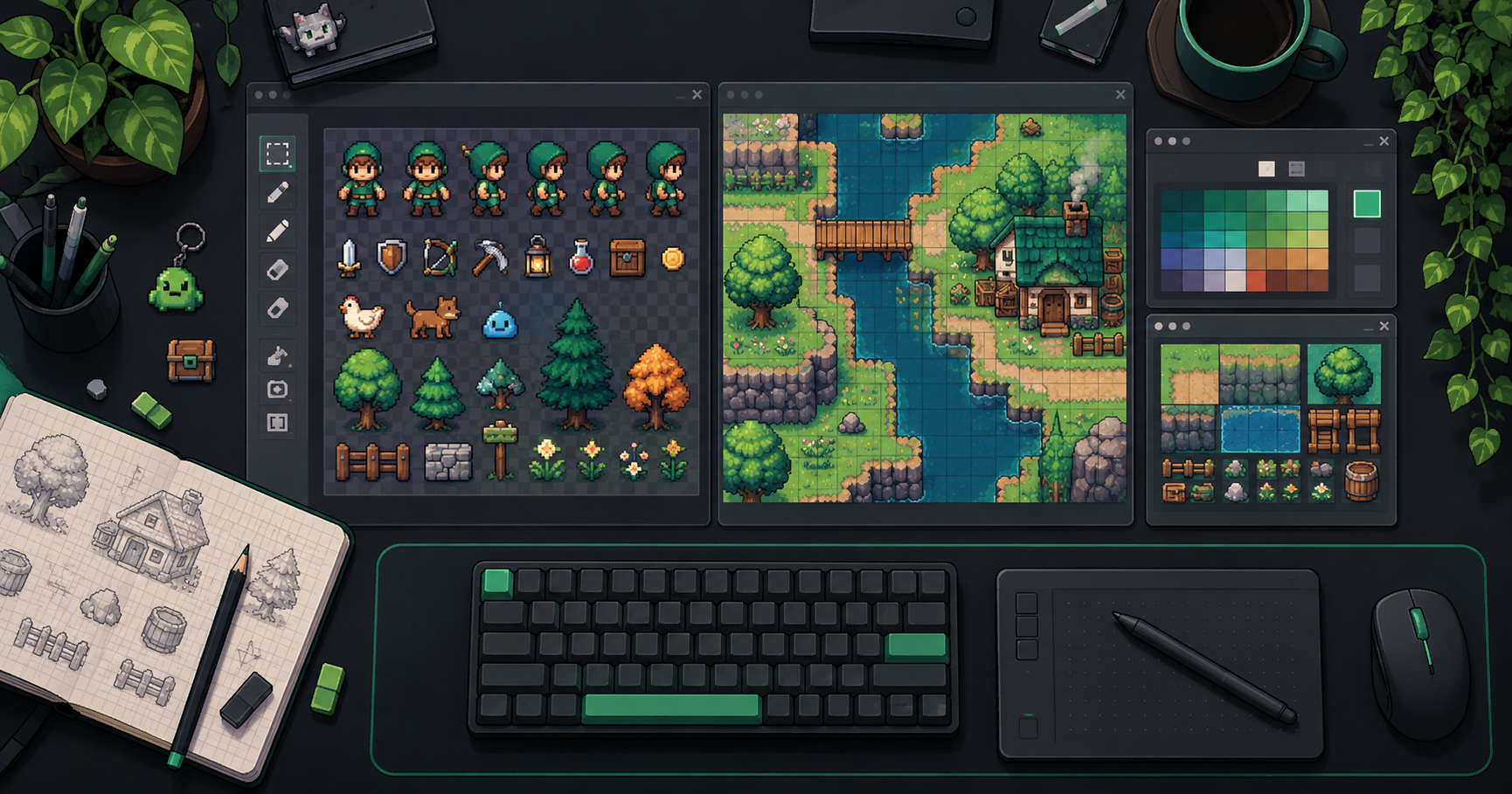
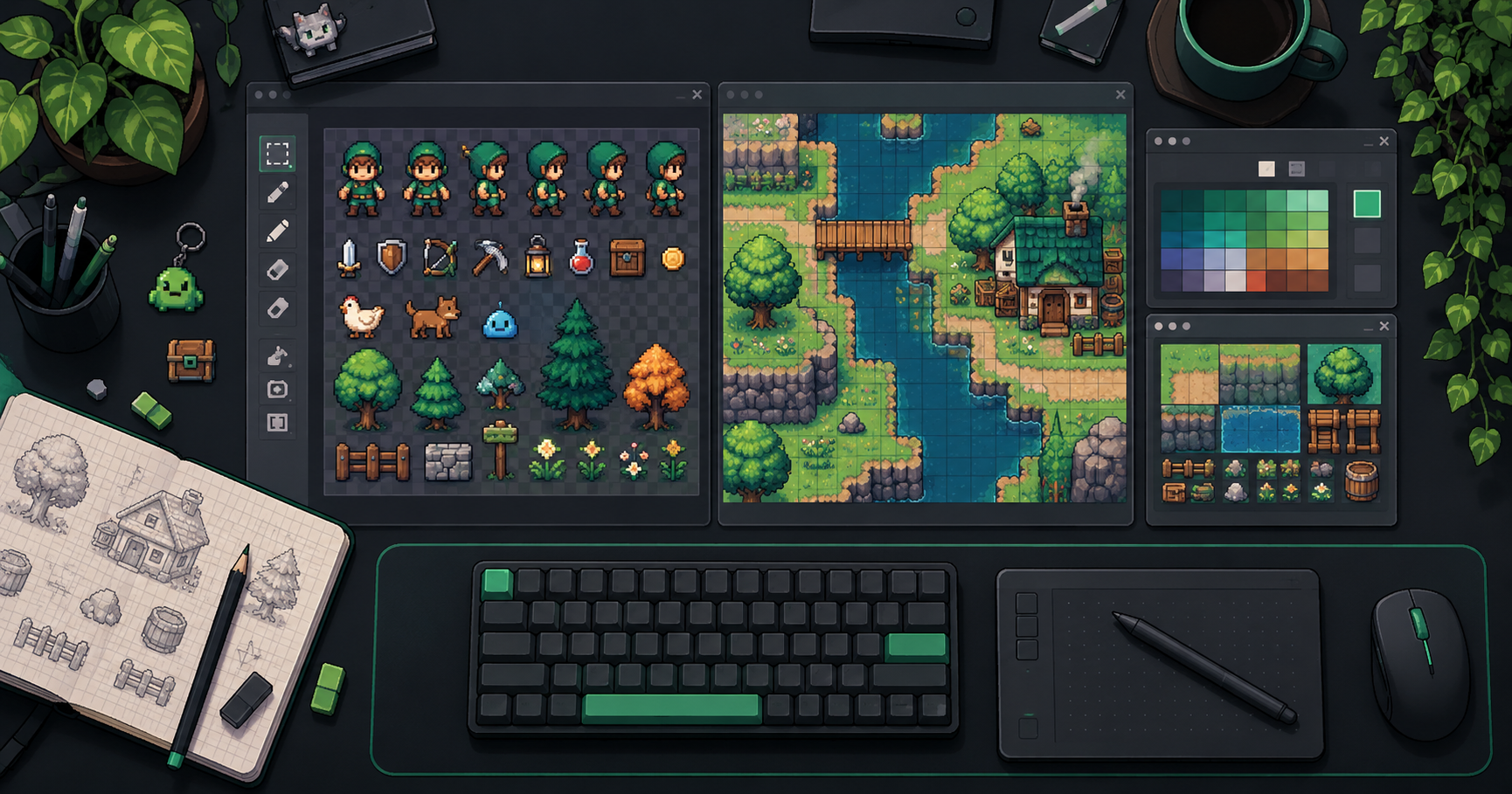
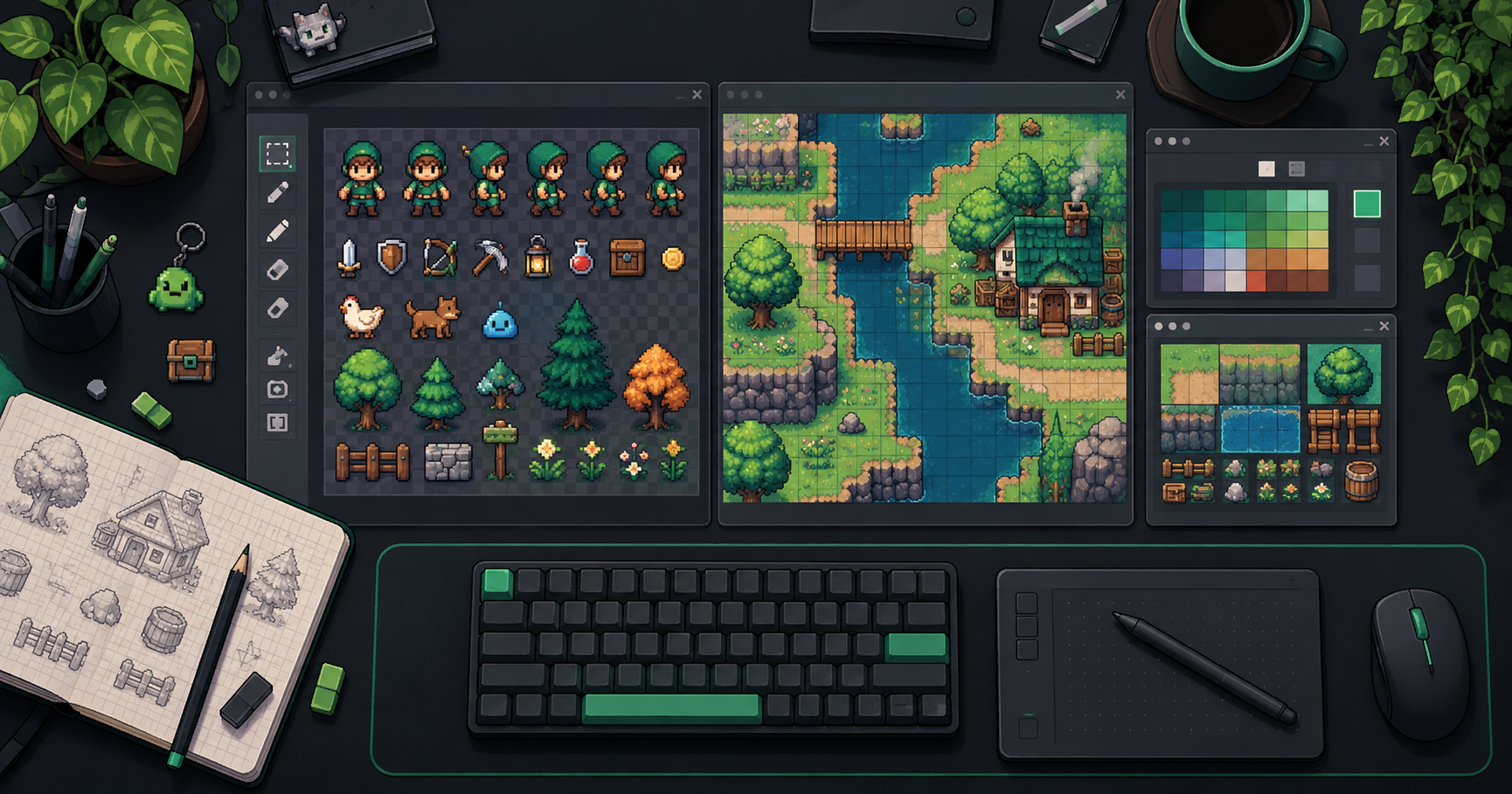
Cover image: AI-generated conceptual illustration, not a screenshot of the product.
About the author
- We operate FrameSprite, a browser tool for indie game asset workflows. We publish practical sprite-sheet and animation export guides with downloadable examples, verification methods, and explicit limitations. Editorial ownership and corrections: https://www.framesprite.com/about#workflow-team. Contact: https://www.framesprite.com/contact.
Comments
Join the discussionNo comments yet. Be the first to comment.