Duplicate Endpoint or Intentional Hold? Audit a Sprite Loop Seam
Remove a repeated endpoint only when the playback sequence gives the boundary pose an unintended extra hold. Identical first and last images are a reason to inspect the seam, not proof that a frame is wrong. A deliberate pause may need both entries; a sudden change in motion may survive after you delete one.
The useful inspection unit is the transition from the last played entry to the first, together with a few neighboring entries. This workflow addresses that boundary. It does not certify every frame, repair an entire asset pack, or diagnose irregular stalls throughout a game.
Key Takeaways
- Write the actual played sequence before deciding which endpoint to keep.
- Compare boundary motion as well as the first and last poses.
- Separate equal decoded pixels, intentional hold time, and an unintended duplicate.
- Keep the original sequence and record why the proposed change passes or fails.
Write the loop as a circular sequence
Start with the entries the player actually displays, including repeated entries and their durations. A file list alone cannot tell you the order or timing of an animation.
Write the sequence on one line, then append its beginning: A → B → C → A | A → B → C → A. The vertical bar marks the wrap. This is an illustrative sequence, not a report of a tested failure. If both A entries have the same pixels, the viewer sees the final A followed by the initial A. Their display times form one continuous stay on that pose.
For an equal-duration illustration at 8 FPS, four entries occupy 4 / 8 = 0.5 seconds. Removing the final A changes the cycle to three entries and 3 / 8 = 0.375 seconds. That changes the rhythm of the entire cycle, even if it removes the extra boundary hold. Do not treat a shorter loop as an automatic improvement.
Count played entries, not unique drawings. A → B → C → B contains four entries even though it uses three distinct poses. The animation timing calculator's explanation of played entries and holds is useful for checking this distinction.
Record the player's loop mode too. The current stable Godot SpriteFrames reference distinguishes linear and ping-pong looping and documents endpoint duration behavior for that implementation. Do not assume that every player repeats or holds ping-pong endpoints in the same way. Expand the actual traversal used by your target player before counting it.
Compare the last three and first three entries
Inspect a short window around the wrap before changing the sequence. Use the last three and first three played entries where the animation is long enough; for a shorter loop, repeat the circular sequence to expose the same neighborhood.

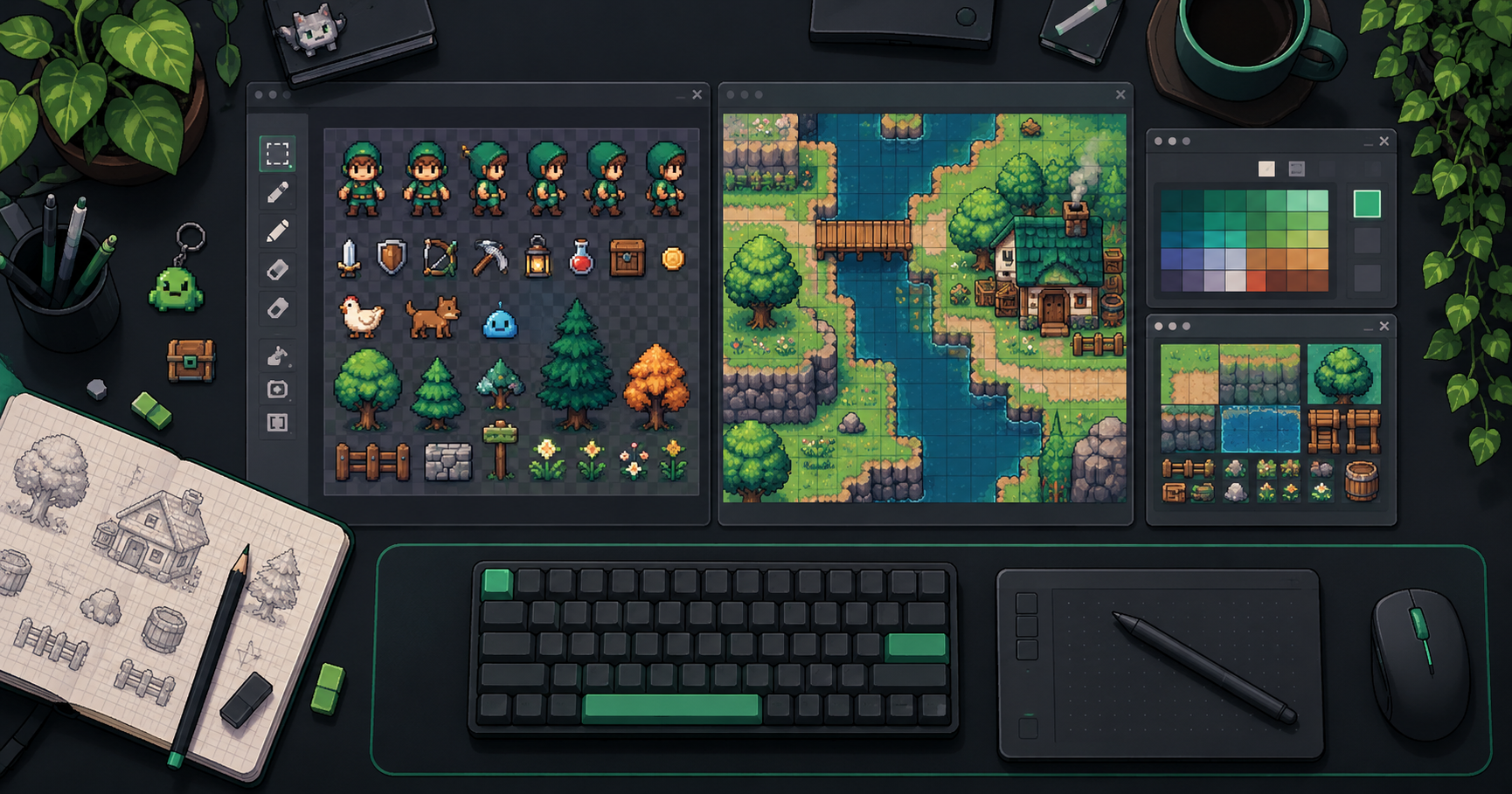
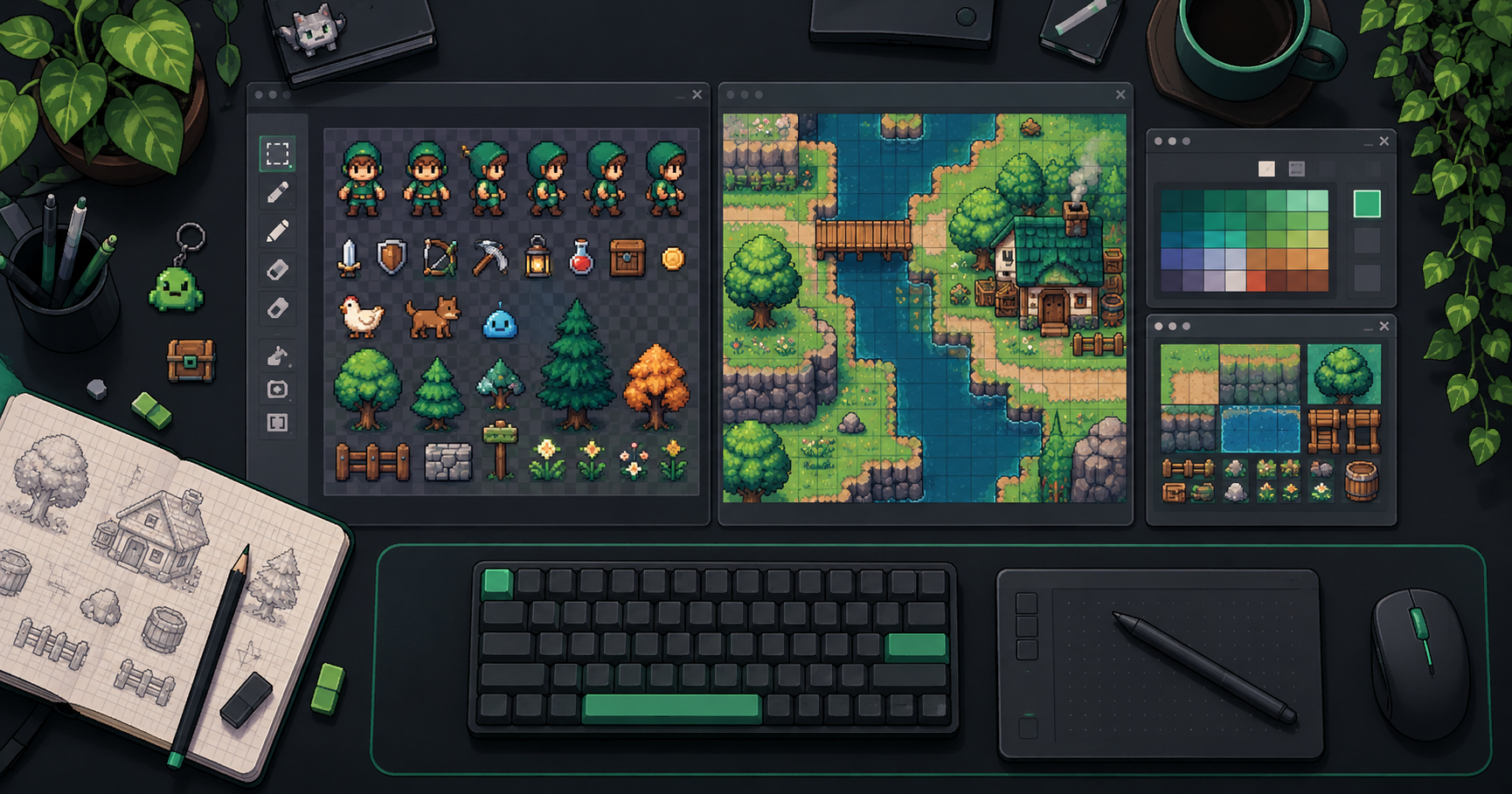
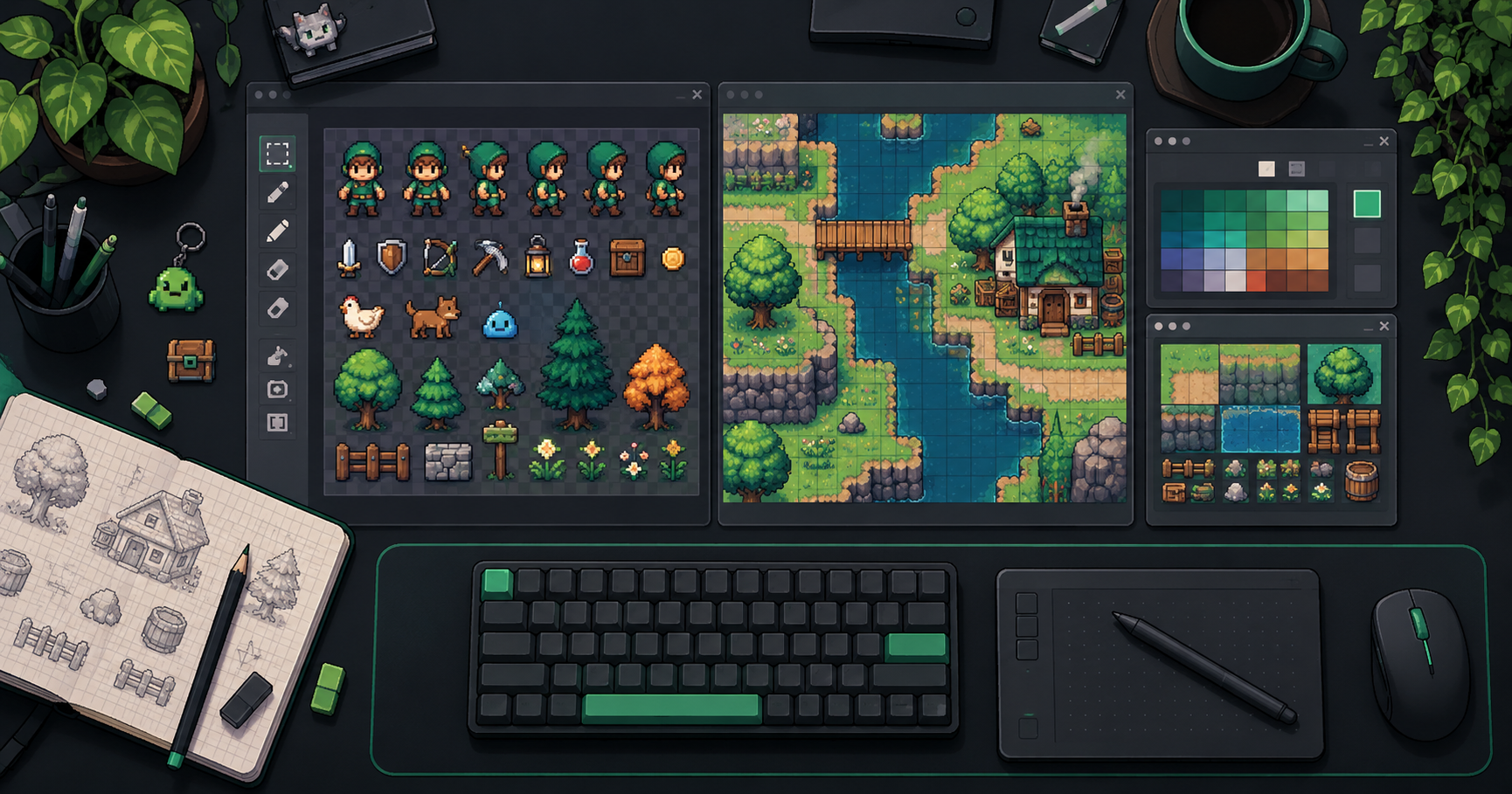
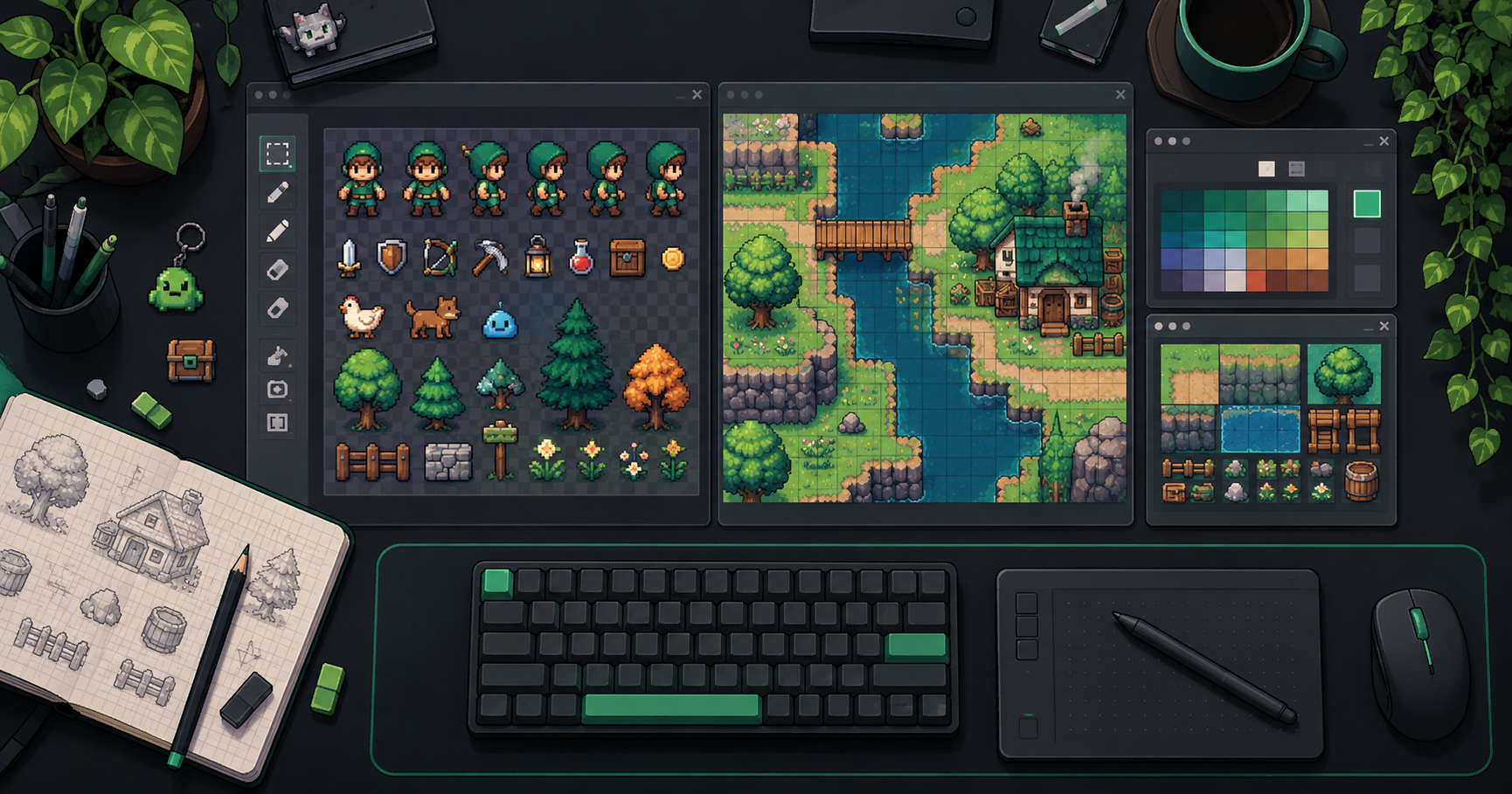
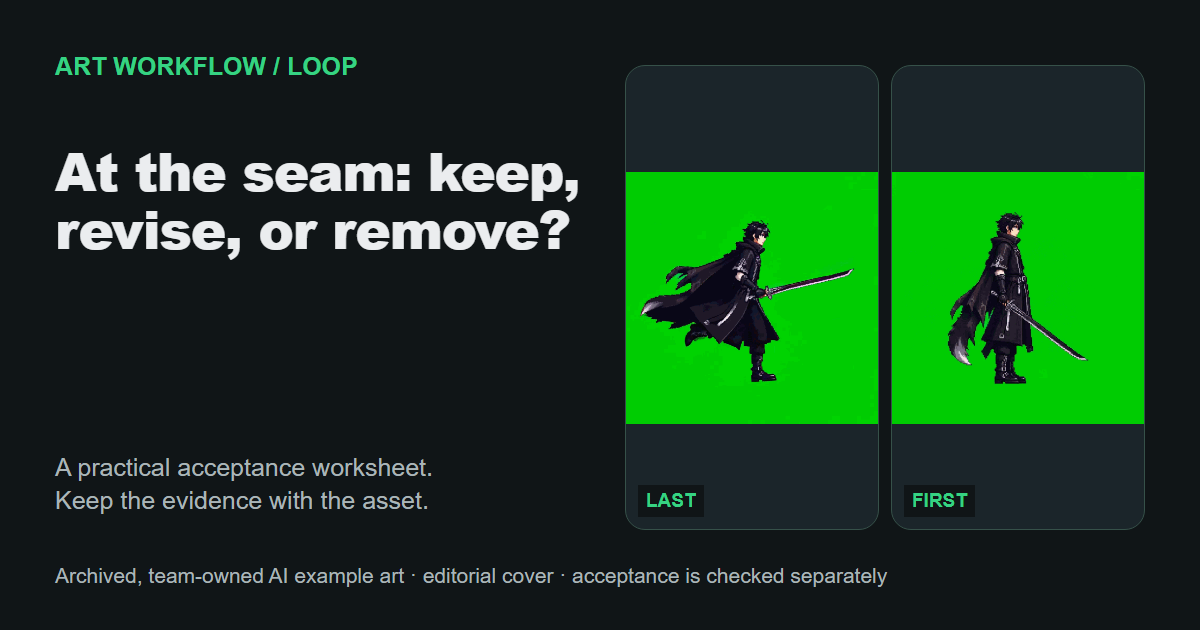
Existing public frame-strip illustration. It shows the kind of material to inspect and is not evidence of a new engine test or a diagnosed faulty loop.
Choose visible landmarks suited to the motion: a planted foot, the head, a weapon tip, or the center of a body mass. Compare each landmark's movement through the boundary. Keep the canvas, zoom, and placement fixed so that your inspection does not introduce a new apparent jump.
Ask what each neighboring transition does. Does a foot travel steadily and then stop for two entries? Does the body shift in one direction before the wrap and abruptly reverse afterward? Does a weapon tip cross a large distance at the boundary while the rest of the cycle moves in smaller steps?
Matching endpoint poses answer only a position question. They do not establish that movement into and out of those poses is continuous. The loop-stutter diagnosis guide makes this distinction explicit. For example, a matching head position can still sit between a fast incoming movement and a differently directed outgoing movement.
Separate pixel equality from hold intent
Use decoded image content to investigate equality, then use the animation brief to decide whether the hold belongs. A file hash compares file bytes. Different hashes do not rule out equal decoded pixels, because two image files can encode the same visible content differently. A matching pose by eye is also weaker evidence than a pixel comparison.
For a strict comparison, decode both images using the same process and compare dimensions and corresponding RGBA values. Record what you compared. If fully transparent pixels contain different hidden RGB values, report that distinction rather than calling the entire decoded array identical. For a seam decision, also inspect the rendered appearance under consistent conditions.
Neither form of equality establishes intent. A breathing loop may deliberately settle at rest. A wind-up may need a readable pause. A duplicate introduced by export is a different case, even when the files look the same.
| Boundary finding | Next decision |
|---|---|
| Equal rendered pose, extra stay, no intended pause | Try removing one boundary entry in a copy and compare the new rhythm. |
| Equal rendered pose, intentional pause | Keep the required hold time and document how it is represented. |
| Different poses, visible jump at wrap | Inspect the intervening motion; deletion alone is not a demonstrated repair. |
| Matching poses, abrupt movement before or after wrap | Review the neighboring transitions and timing, not just endpoint equality. |
Distinguish a pause from a jump
A pause is time spent without the expected movement. A jump is a discontinuity in position or appearance. A loop can have either, both, or neither.
Replay several cycles at the intended speed and note whether the symptom occurs at the same boundary every time. Then step through the boundary window. A fixed pause with equal boundary poses supports an inspection of accumulated hold time. A fixed jump supports an inspection of pose spacing and placement. A stall that moves around the cycle needs a separate runtime investigation; this endpoint workflow cannot attribute it to the seam.
Compare the original and proposed sequences under the same playback settings. If you remove an entry, recalculate the cycle duration and check whether the new tempo still serves the action. If the original pause was intentional but too long, adjust its duration according to the target player's controls rather than deleting the pose without considering timing.
A one-shot animation has no required last-to-first transition unless the application actually loops it. Do not repair a death, impact, or interaction clip against a seam that users never see.
Save a keep-or-remove decision with evidence
Accept the change only when you can explain the boundary behavior and the resulting timing. Use this copyable record for each loop:
Animation and source revision:
Target player/version and loop mode:
Actual played entries and per-entry durations:
Original cycle duration:
Boundary window inspected:
Landmarks inspected:
Equality check: file bytes / decoded RGBA / rendered appearance:
Observed symptom: pause / jump / both / neither:
Does it recur at the same wrap? yes / no:
Intended boundary hold and its reason:
Decision: keep / remove / adjust duration / investigate motion:
Revised sequence and cycle duration:
Original-versus-revised playback evidence:
Acceptance reason and unresolved limits:
“Removed because the endpoints match” is incomplete. A useful decision says which hold was unintended, what changed in the cycle duration, and how the boundary behaved afterward. If no candidate produces the intended motion, retain the source and escalate the motion or timing question with that evidence.
About the author: The FrameSprite Workflow Team documents sprite production workflows for its own product. This draft used AI writing assistance and source-based editorial review; it reports no new engine test. Editorial ownership · Contact and corrections.
About the author
- We operate FrameSprite, a browser tool for indie game asset workflows. We publish practical sprite-sheet and animation export guides with downloadable examples, verification methods, and explicit limitations. Editorial ownership and corrections: https://www.framesprite.com/about#workflow-team. Contact: https://www.framesprite.com/contact.
Comments
Join the discussionNo comments yet. Be the first to comment.