Eight-Direction Sprite QA: Facing, Identity and Mirrored Details
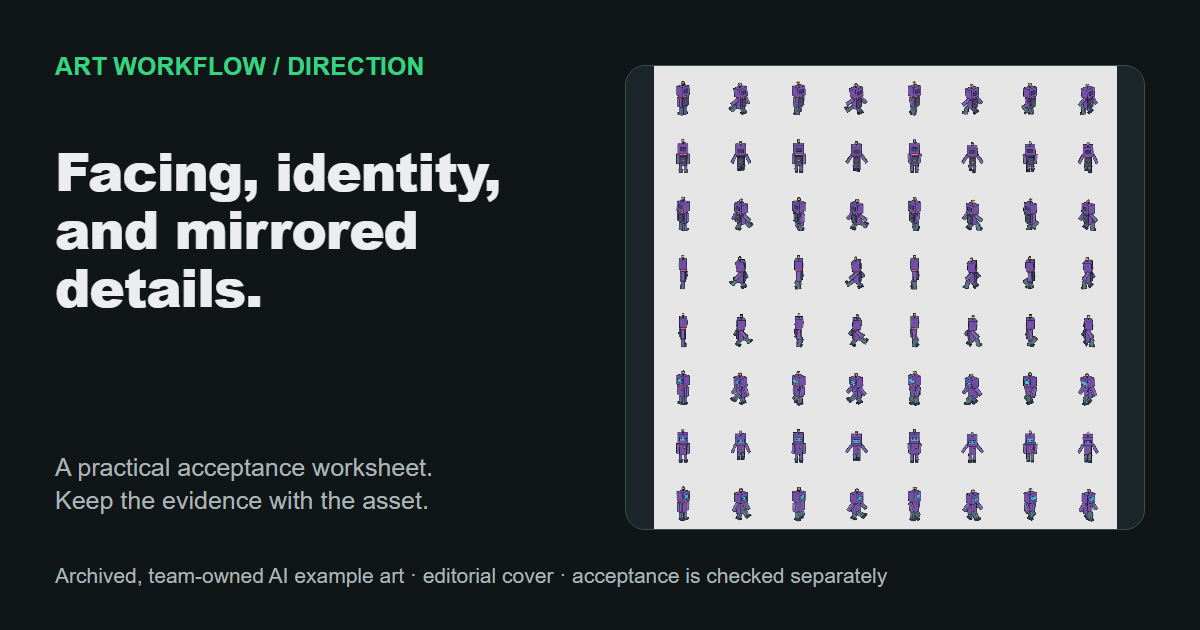
Accept an eight-direction sprite set only after each image passes separate checks for facing, camera, identity, scale and asymmetric details. A complete contact sheet can still contain a mislabeled diagonal, a changed costume or a mirrored weapon on the wrong side. Review the static images against a written direction convention before treating them as an approved set.
This review covers eight static facings. It does not validate animation timing, movement input, texture packing or an engine's final direction mapping. The eight-direction character guide identifies facing, identity, equipment side and camera as review concerns. The procedure below turns those concerns into explicit manual decisions without assuming current generation modes or plan limits.
Key Takeaways
- Define screen-space names and the camera view before judging the directions.
- Compare each view with its neighbors and with its opposite.
- Check the same character across views without demanding identical projected silhouettes.
- Record mirrors as derived images and verify asymmetric equipment manually.

This owned contract diagram explains an eight-direction arrangement. It is not a set of eight newly generated or independently tested outputs.
Write the screen-space facing convention first
Direction labels need a shared meaning. For this review, "up" means the character faces toward the top of the screen, and "right" means toward the right edge. These are facing labels, not a claim that the character is moving.
The table uses a screen-space coordinate convention with positive X to the right and positive Y downward. Godot's Vector2 documentation provides one example of that convention, including UP as (0, -1). The vectors below identify directions only; diagonal magnitudes are irrelevant to this visual review. They do not prove that any engine import has been configured correctly.
| Label | Screen direction | Direction vector | Opposite |
|---|---|---|---|
| Up | Top edge | (0, -1) | Down |
| Up-right | Top-right corner | (1, -1) | Down-left |
| Right | Right edge | (1, 0) | Left |
| Down-right | Bottom-right corner | (1, 1) | Up-left |
| Down | Bottom edge | (0, 1) | Up |
| Down-left | Bottom-left corner | (-1, 1) | Up-right |
| Left | Left edge | (-1, 0) | Right |
| Up-left | Top-left corner | (-1, -1) | Down-right |
Record the camera separately. A three-quarter overhead view and a true 90-degree top-down view expose different surfaces, as the top-down character guide explains. Do not accept a mixed set because all eight labels are present. If the brief calls for one camera treatment, a direction that suddenly reveals much more of the top of the head needs review.
Avoid assigning labels from filenames alone. Inspect the torso, head and feet together. A turned head can disagree with the body's facing, and a long weapon can point away from the character's main orientation. State whether the project defines facing by the torso or another approved cue.
Compare adjacent views, then opposite views
Adjacent comparisons reveal abrupt changes; opposite comparisons reveal front-to-back contradictions. Both matter because a set can look coherent around part of the circle while hiding a single incorrect image.
Arrange the images clockwise using the agreed labels. Compare up with up-right, up-right with right, and continue around the circle until up-left returns to up. Check that the perceived facing advances in the intended order and that the camera treatment remains compatible. Do not expect exact geometric rotations from stylized drawings, but reject an image that plainly faces the wrong sector.
Then compare the four opposite pairs shown in the table. Look for coherent transitions between front and back costume regions. A front chest emblem should not appear on the back simply because a similar shape filled that space. A rear-facing view also need not reveal the same facial information as a front-facing one.
Record the reason for uncertainty when the design makes facing ambiguous. A nearly symmetric robot or hooded figure may offer few cues. Seek an approved design cue or a clearer reference rather than declaring the label correct because it occupies the expected cell.
Keep identity, scale and ground position distinct
Identity means the views describe the same approved design, not that their silhouettes occupy identical rectangles. Different facings expose different parts of a cape, face or weapon. Compare stable features while allowing for projection and occlusion.
Check the head-to-body relationship, hair or helmet construction, clothing layers, palette relationships and distinctive equipment. Separate a legitimate hidden feature from a changed one. A belt ornament that disappears behind the body can be expected; a visible ornament changing shape needs a decision.
Review scale and ground position on the same inspection canvas. Use the project's defined ground point or foot-contact convention, rather than centering every image by its visible bounds. A raised sword can change those bounds without moving the character's feet.
Check for apparent growth or shrinkage across the set. The goal is a coherent character at the intended size, not identical pixel height where a pose or protrusion reasonably changes it. If the project has not defined a ground point or size rule, record that missing contract before assigning a pass.
Inspect mirrored asymmetric details on the character's body
A horizontal mirror changes left and right in the image. It can supply a derived opposite-side facing, but it can also reverse a shield, shoulder pad, scar or weapon placement. Track a feature by the character's own left or right side, not only by the side of the screen where it appears.
Horizontal reflection pairs left with right, up-left with up-right, and down-left with down-right. It does not exchange up with down. Do not label a mirrored file as newly generated artwork. Record its source and transformation so a later reviewer knows where to look for inherited errors.
For a character with a left-arm shield, compare visible shield placement against the body across all views. A screen-left shield may be correct in one view and wrong in another. If a derived mirror puts it on the wrong arm, either revise the asset or document an explicit art-direction exception. "Mirrored" describes a process, not an automatic quality verdict.
Keep unseen rear details unknown. Mirroring a front or side view cannot establish what the back of an accessory should look like. A full design reference or an approved design decision is needed when that region matters.
Record accept, revise or unknown for each view
Use one row per direction and a separate set-level verdict. This prevents seven good images from concealing one unresolved view. A reviewer can accept the facing while holding equipment placement for correction.
Set ID / version:
Master design reference:
Camera contract:
Facing cue and screen-space naming convention:
Ground-point and size convention:

Direction:
File / version:
Origin: generated / drawn / derived
If derived, source file and transformation:
Facing: accept / revise / unknown
Camera: accept / revise / unknown
Identity anchors: accept / revise / unknown
Scale and ground point: accept / revise / unknown
Asymmetric details by character side: accept / revise / unknown
Adjacent comparison notes:
Opposite comparison notes:
Hidden details and remaining unknowns:
Required correction:

Set decision: accept / revise / hold
Reviewer and date:
Accept the static set when all required views have a supported decision and material unknowns have an approved resolution. Identity agreement does not establish matching gait phase, which needs the separate animation phase review. Keep this static acceptance record with the files so later animation or integration work starts from a clearly reviewed design.
Author and disclosure: FrameSprite Workflow Team maintains these workflow notes. The team is affiliated with the product and owns the product sources and diagram linked here; these are not independent product evaluations. This draft was prepared with AI writing assistance. Send corrections through the contact page.
About the author
- We operate FrameSprite, a browser tool for indie game asset workflows. We publish practical sprite-sheet and animation export guides with downloadable examples, verification methods, and explicit limitations. Editorial ownership and corrections: https://www.framesprite.com/about#workflow-team. Contact: https://www.framesprite.com/contact.
Comments
Join the discussionNo comments yet. Be the first to comment.